Boof

BOOF

Jul 2023 - Aug 2023
Designing a Responsive Web Design for an Animal Shelter
UX Designer
Figma
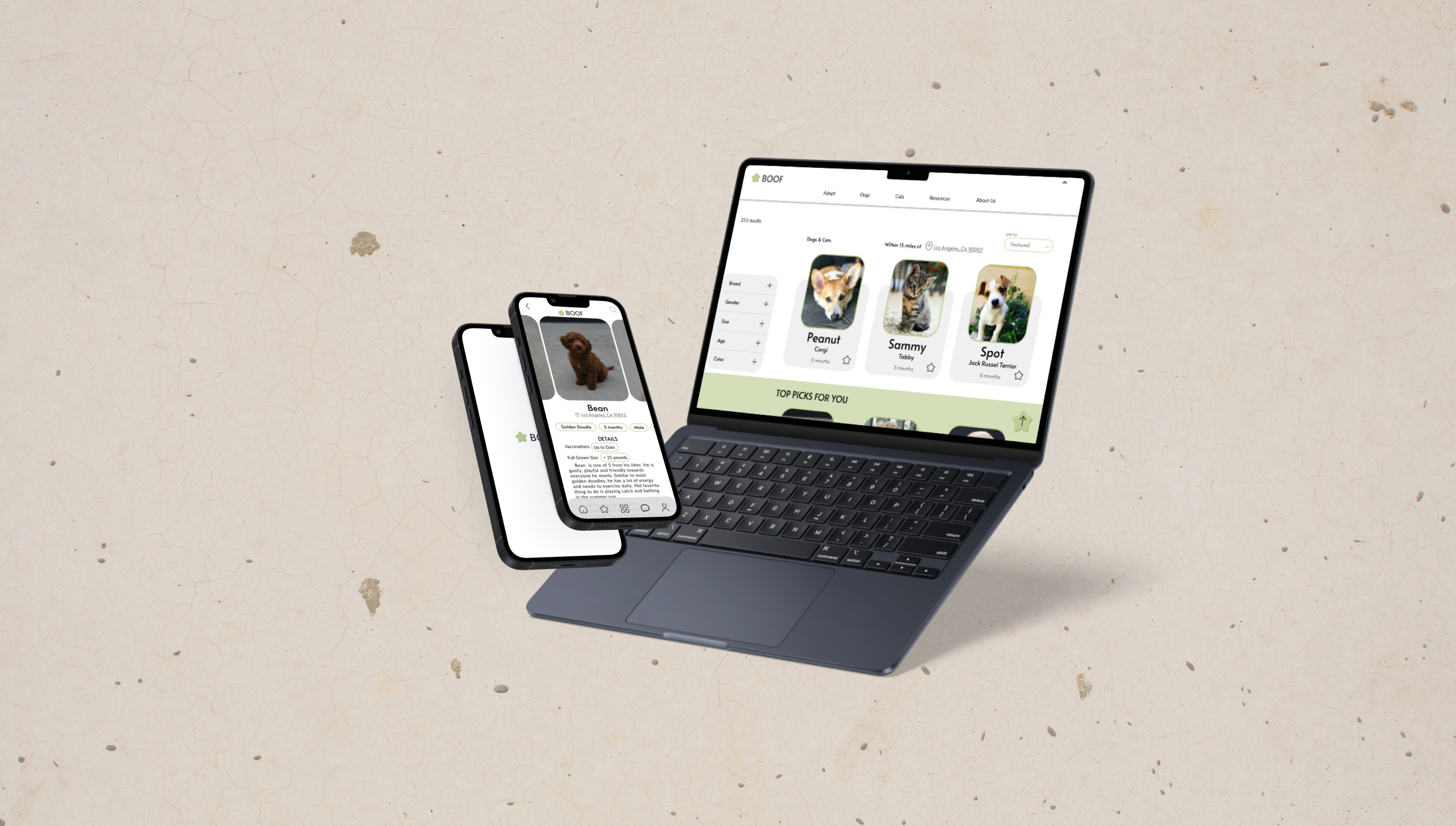
boof final image present
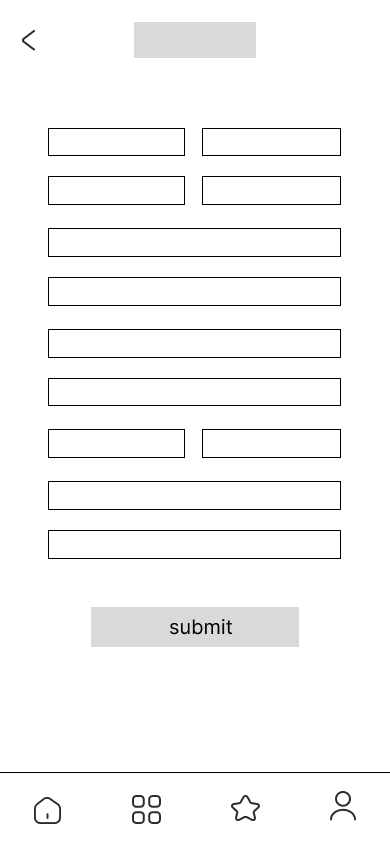
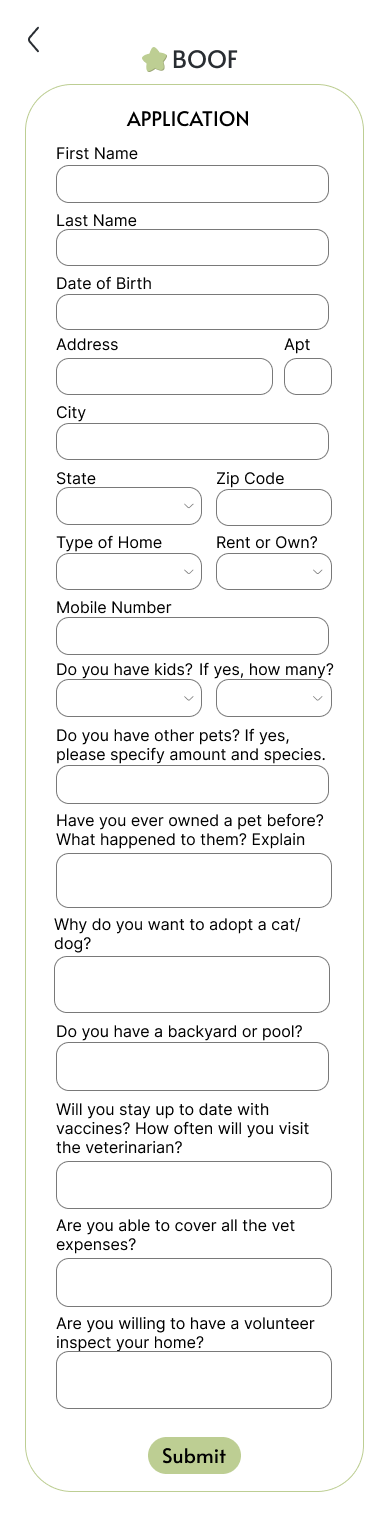
Boof is a responsive design that encourages individuals to adopt from animal shelters. The user only needs to fill out one application to apply for any animal. Boof also uses an algorithm to match users with their forever friend.

The Problem

The process of adopting animals is overly complicated and long. Availability for the animals differs between the website and the actual website.
"Each year, approximately 920,000 animals are euthanized (390,000 dogs and 530,000 cats)"
- ASPCA | American Society for the Prevention of Cruelty to Animals

The Goal

Design a responsive design that will make the process of adopting from an animal shelter simpler.

Overview

I formulated open-ended questions and discovered that participants shared the frustration of having to fill out an entirely new application for each animal. The outcome of the research showed that users would have a better user experience if there were clear filters and a simple application process.

User Personas

user persona for olivia
Problem Statement: Olivia is a college student who needs a more streamlined and tailored user experience that enables her to discover and adopt a cat that aligns with her lifestyle and preferences while accommodating her busy schedule.
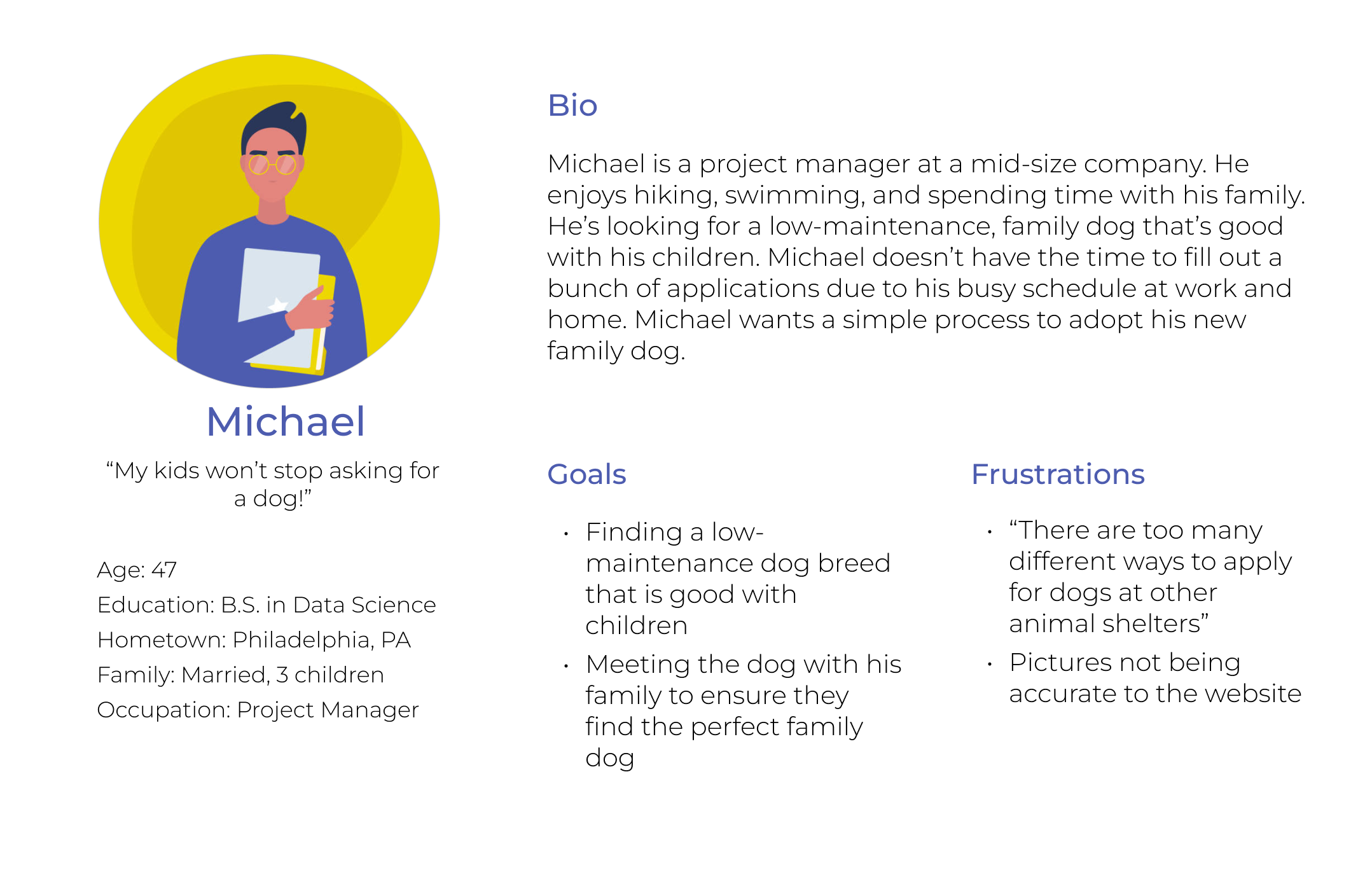
user persona for michael
Problem Statement: Michael is a project manager and father of three children who needs an efficient platform that matches him with a low-maintenance, child-friendly dog to find the perfect addition to his family without sacrificing his valuable time.

Sitemap

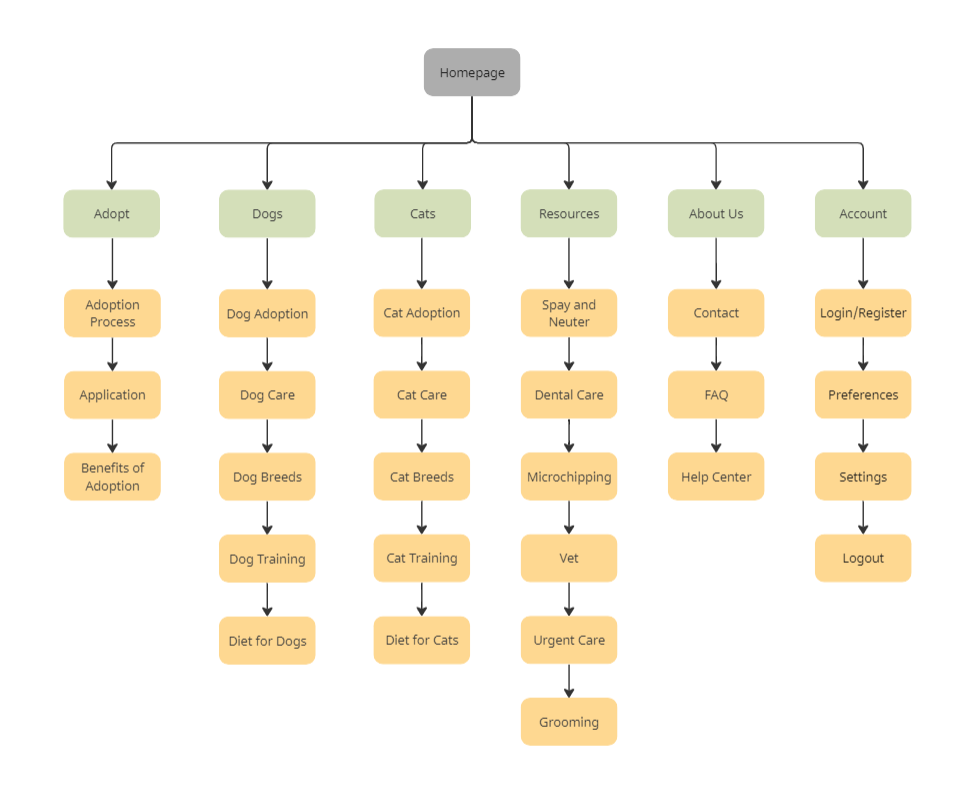
Sitemap for an animal shelter
sitemap for animal shelter
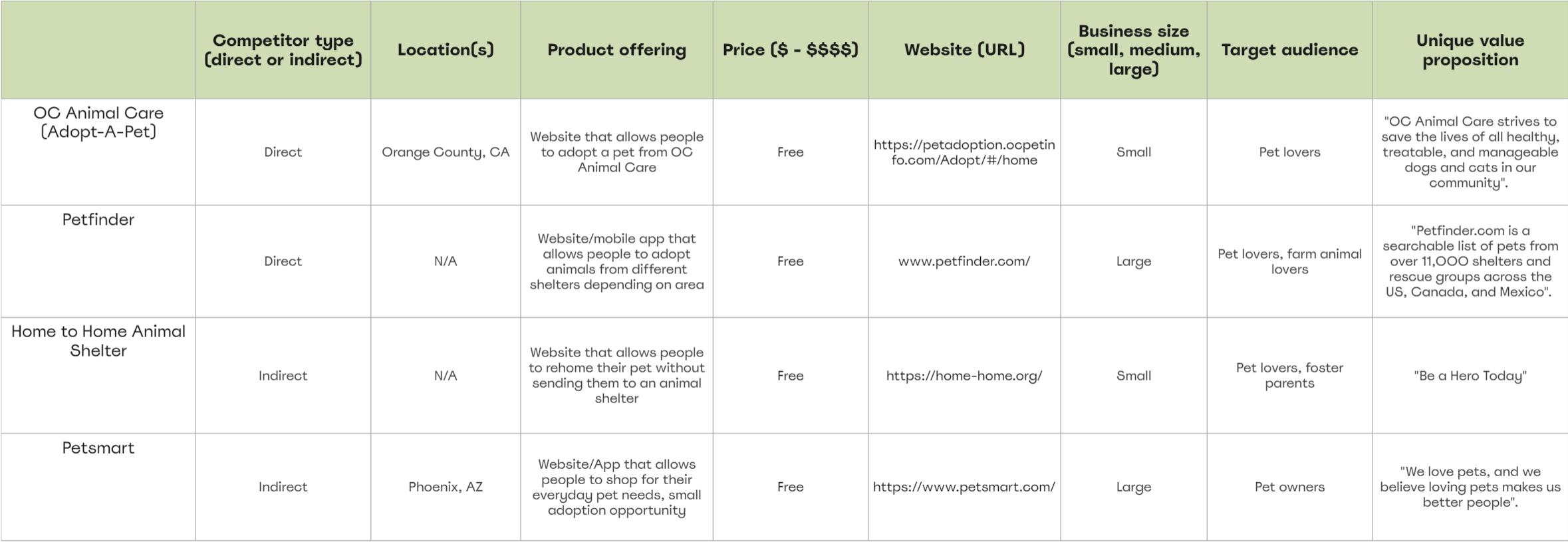
I audited several highly-rated competitors that highlighted some of the gaps and opportunities for the Bean app.
competitor analysis for 4 companiescompetitor analysis for 4 companies
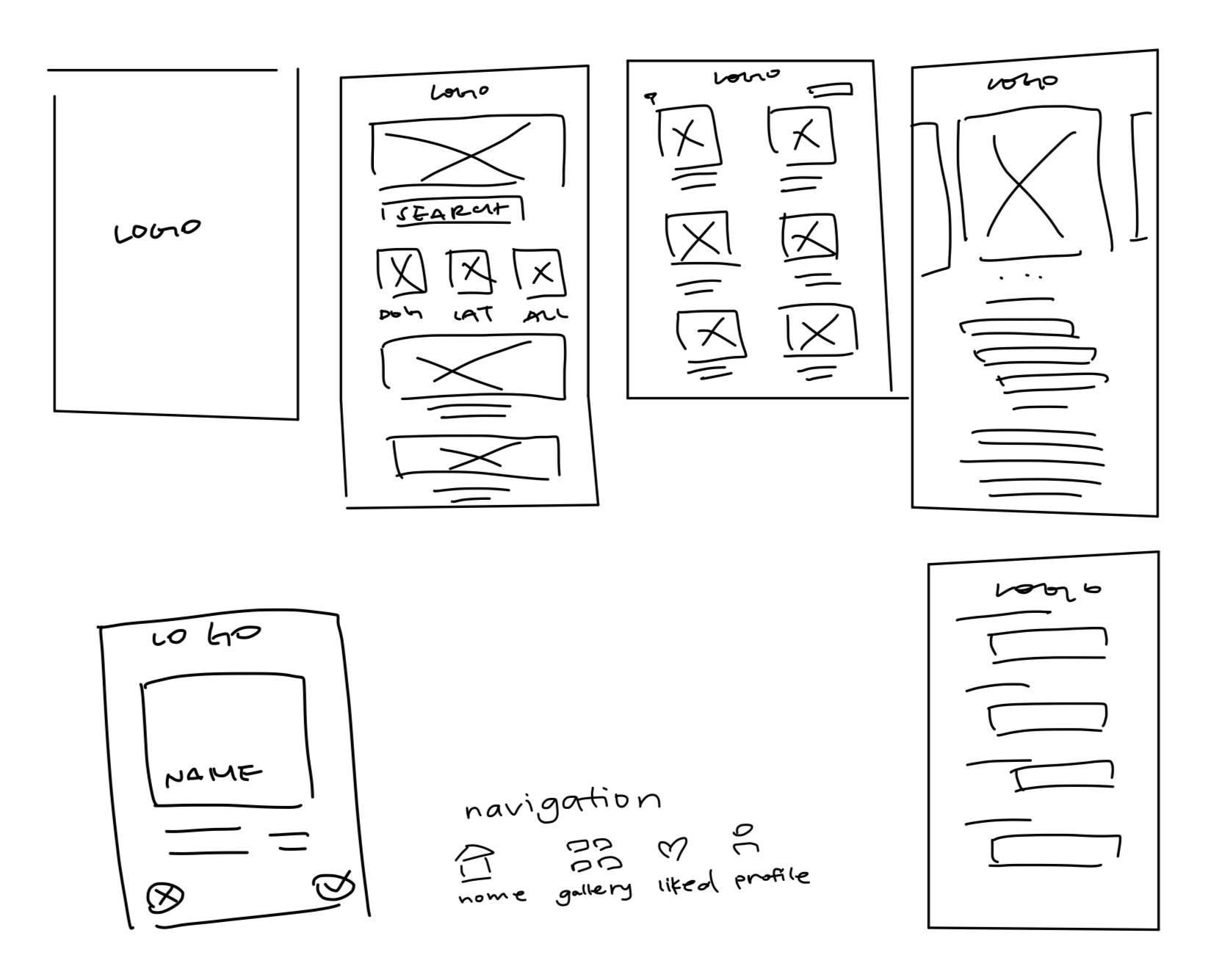
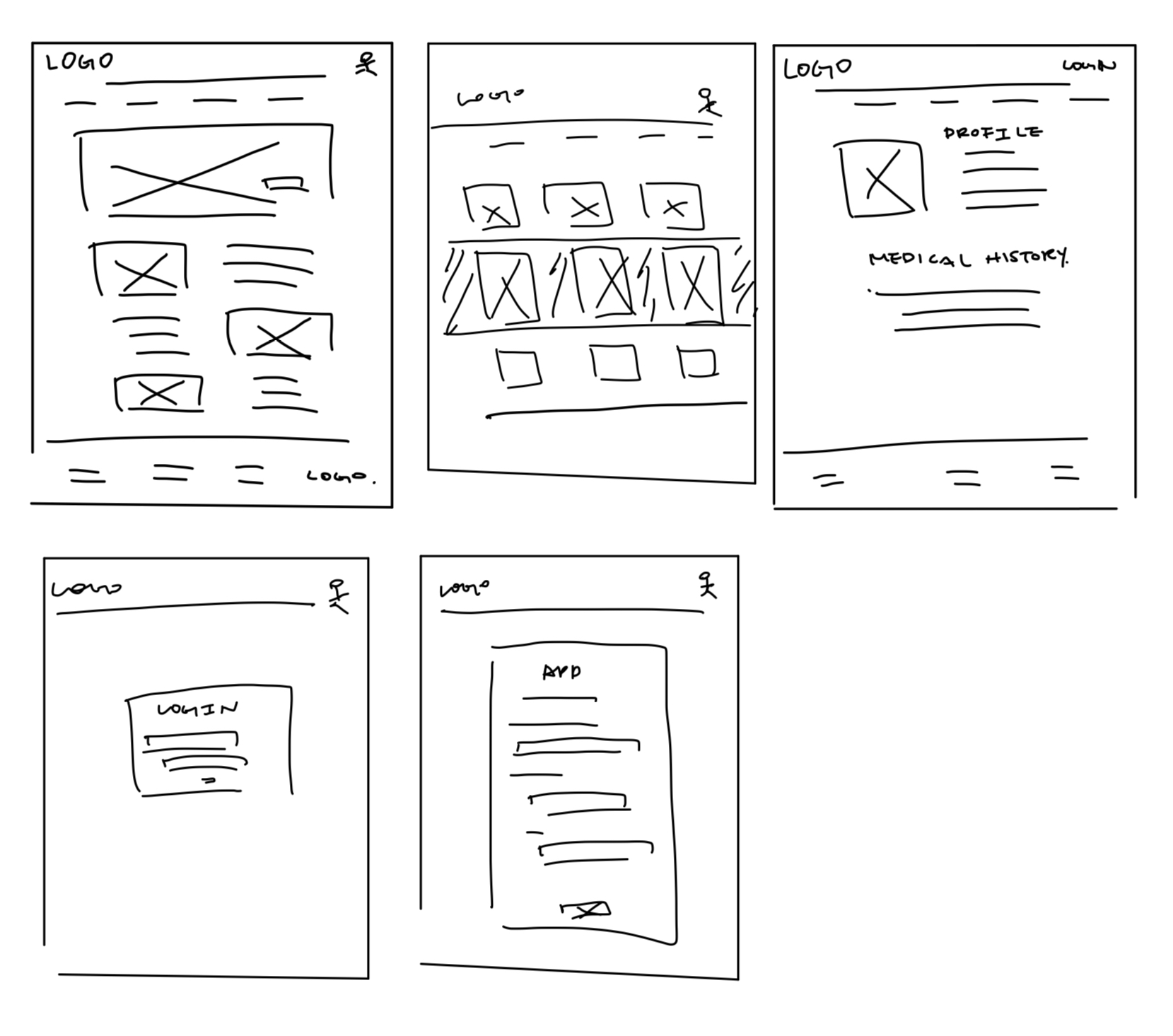
After mapping out the user flow and conducting a competitive audit, I did a variety of sketches of what the app would eventually look like.

Mobile

sketched wireframes mobile

Desktop

desktop sketched wireframes
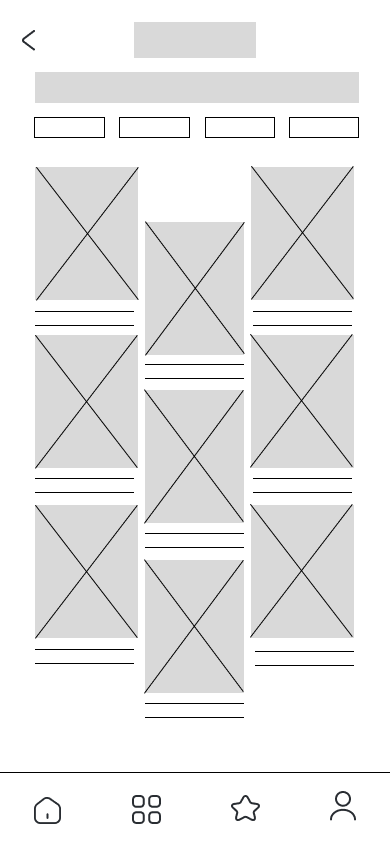
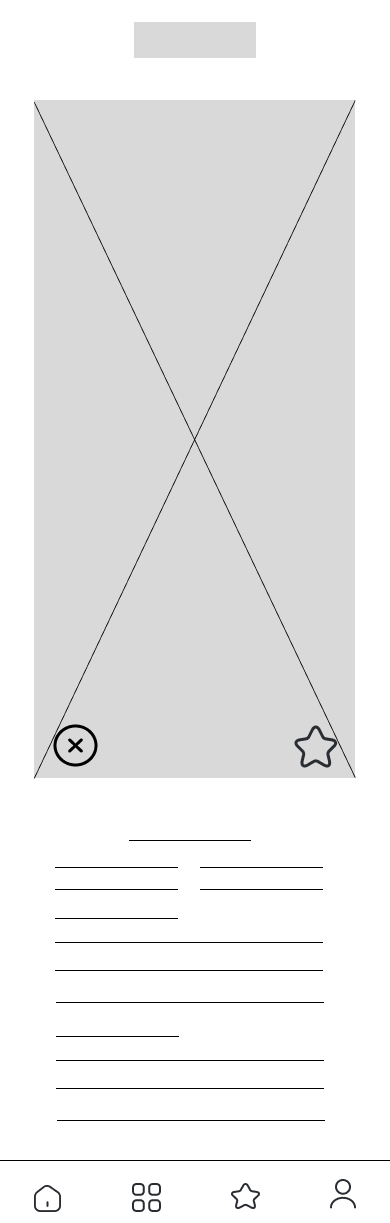
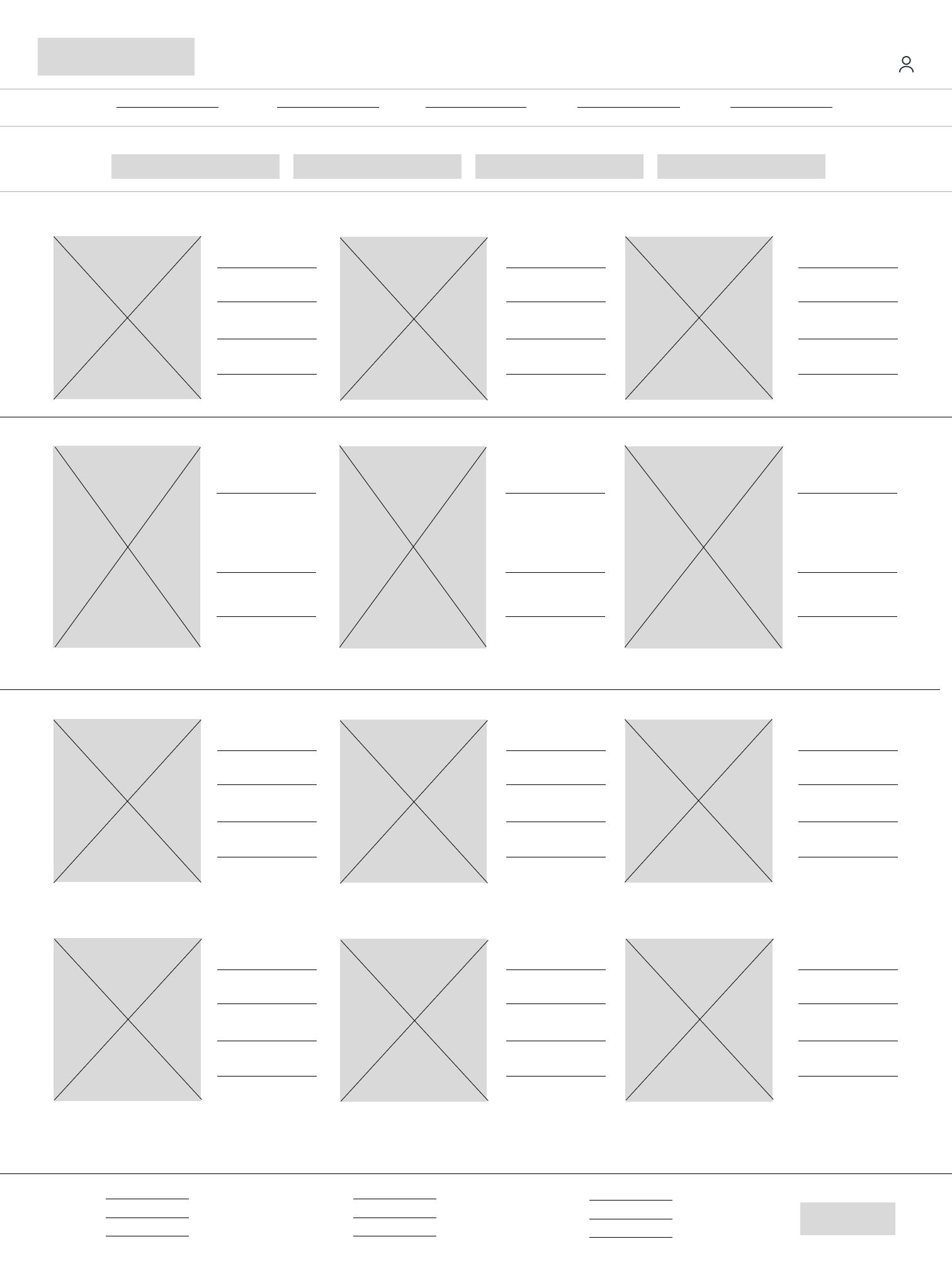
I wanted to make a quick swiping feature that enabled potential pet adopters to view new pets that fulfilled the attributes they are looking for in a pet. I also wanted to incorporate a browsing page for users who prefer to view a gallery view of potential pets.

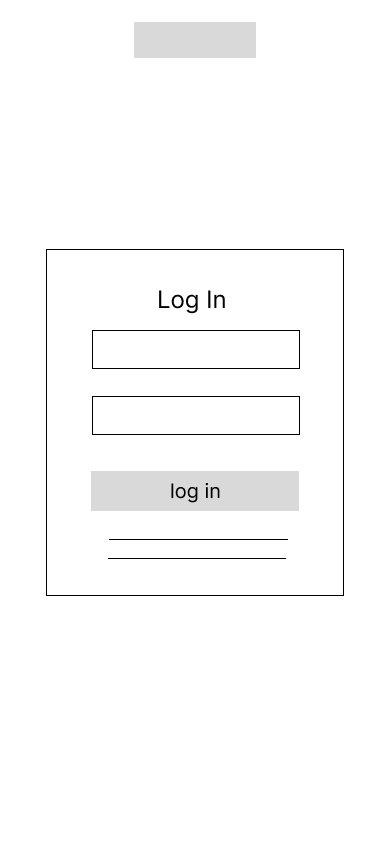
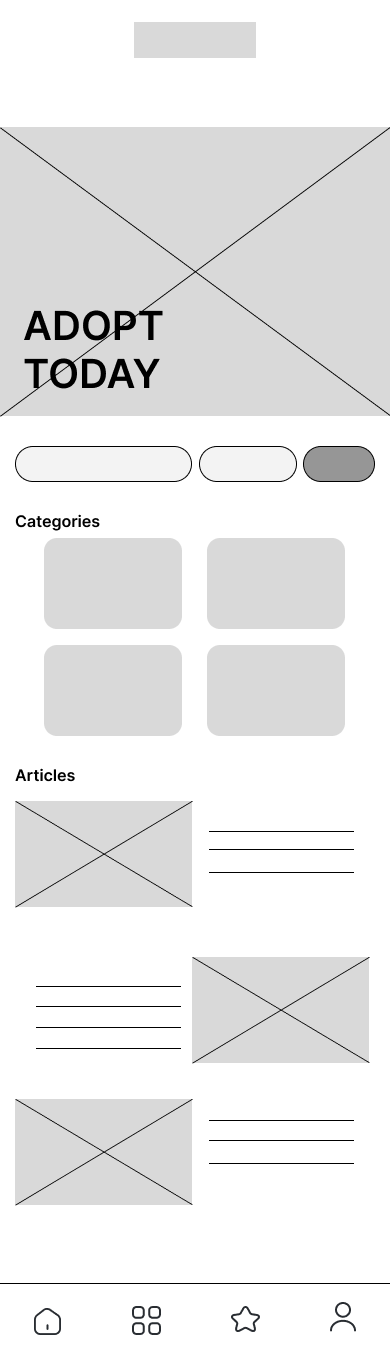
Mobile

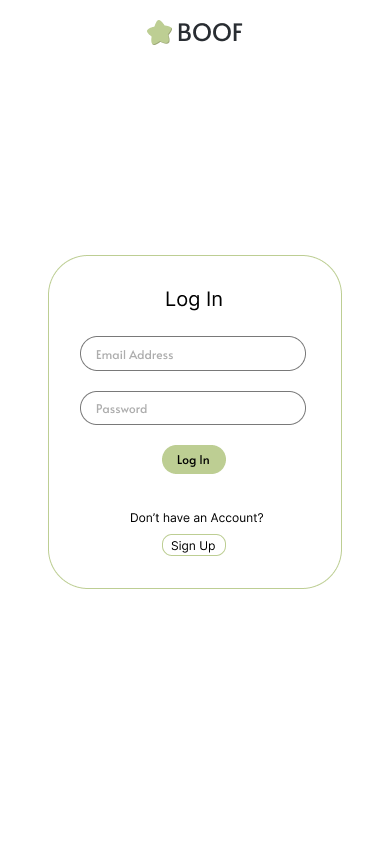
login mobile digital wireframe
homepage mobile digital wireframeapplication page mobile digital wireframe
gallery mobile digital wireframelike/dislike mobile digital wireframe
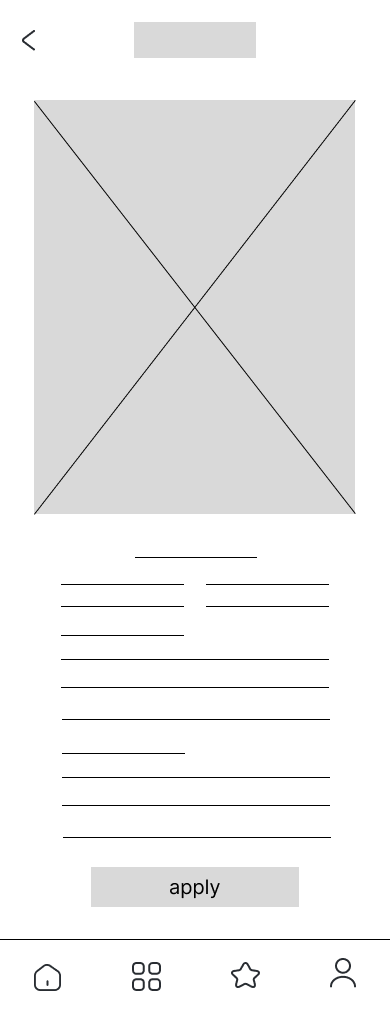
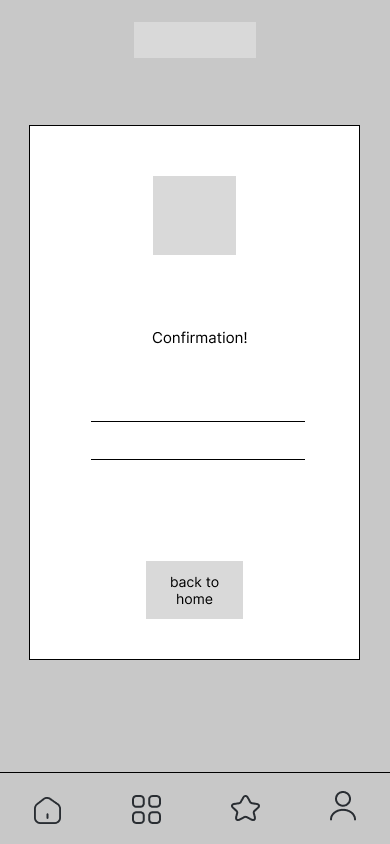
pet page mobile digital wireframeconfirmation page mobile digital wireframe

Desktop

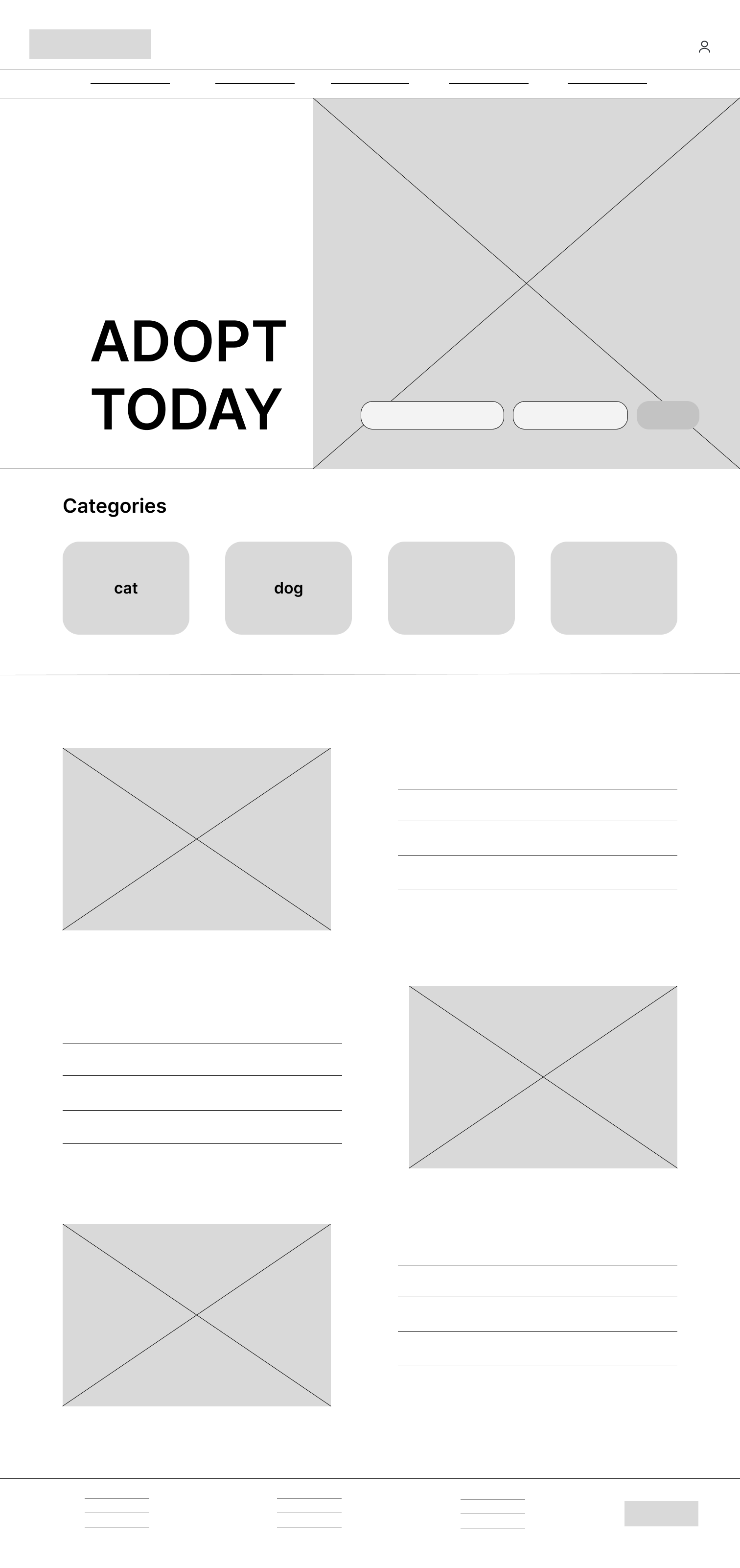
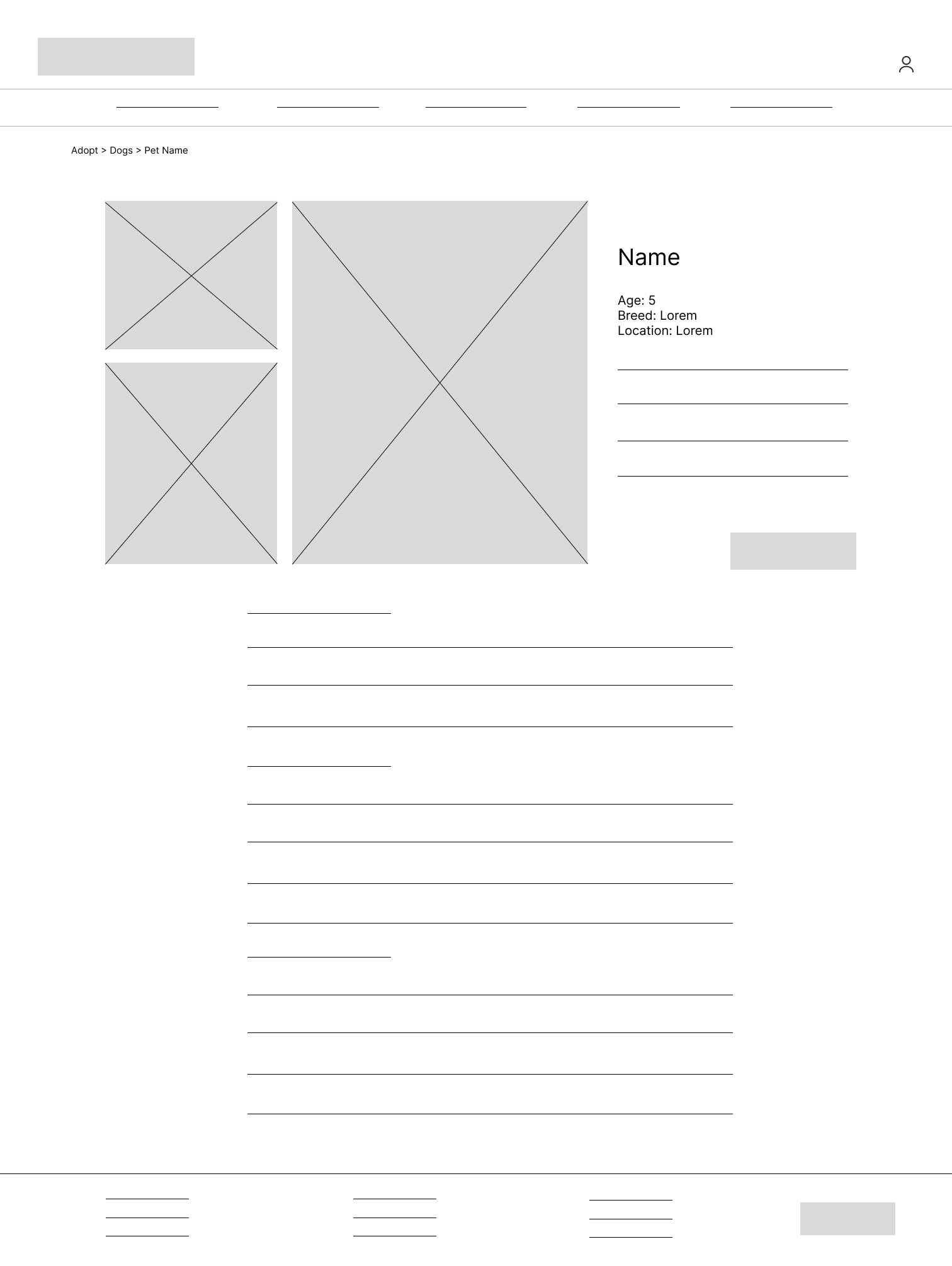
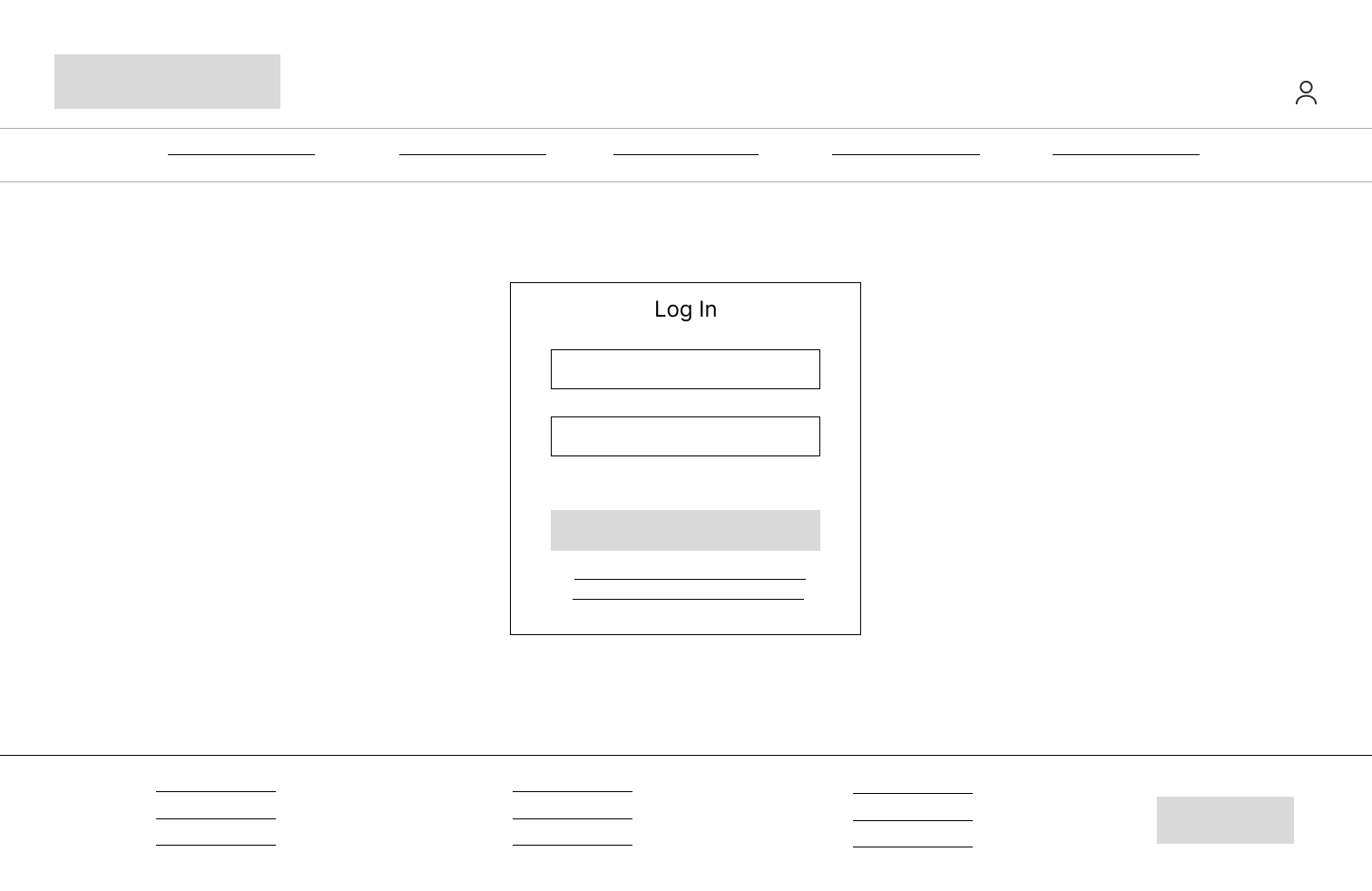
homepage desktop digital wireframepet listing page desktop digital wireframelogin page desktop digital wireframe
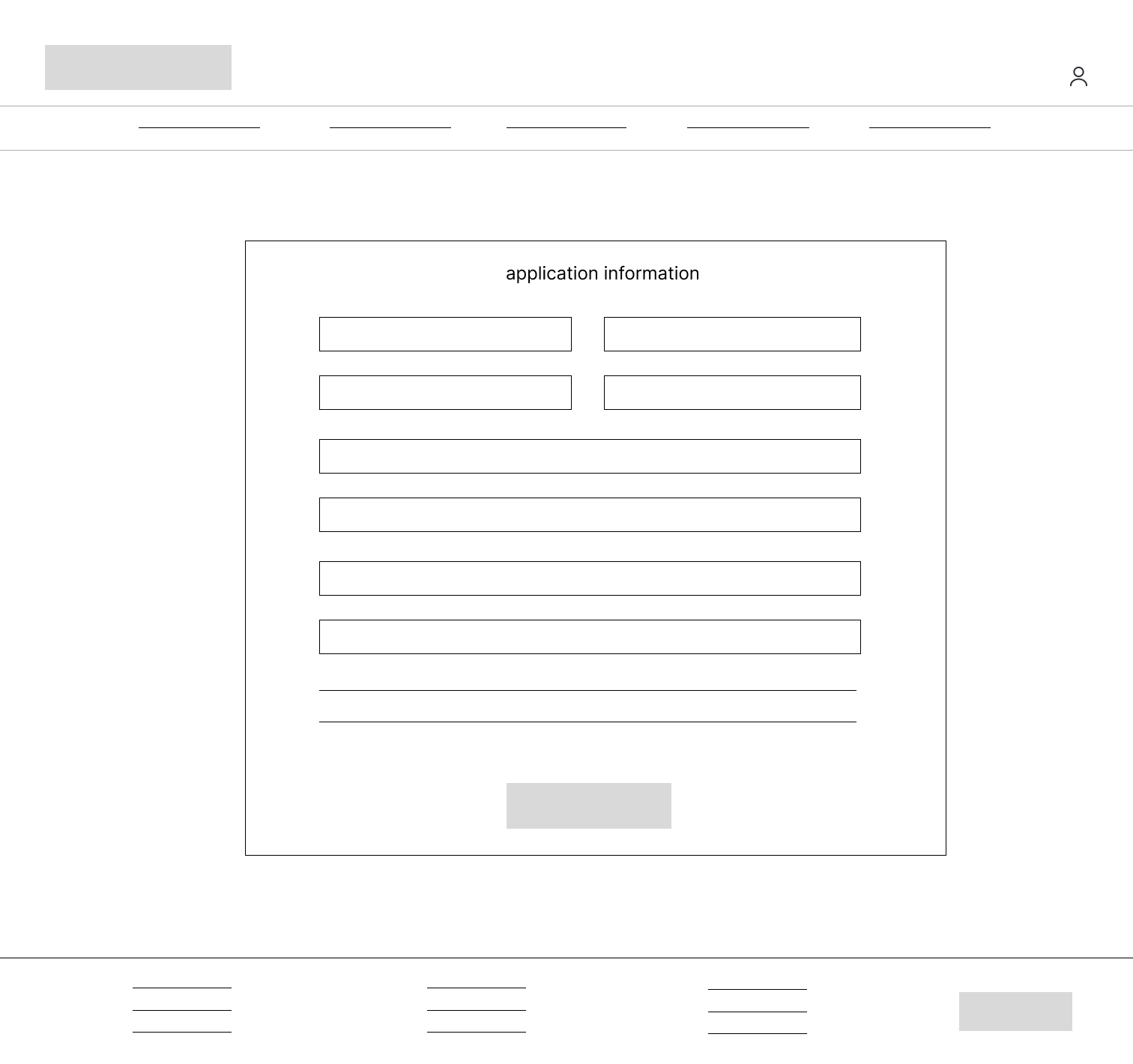
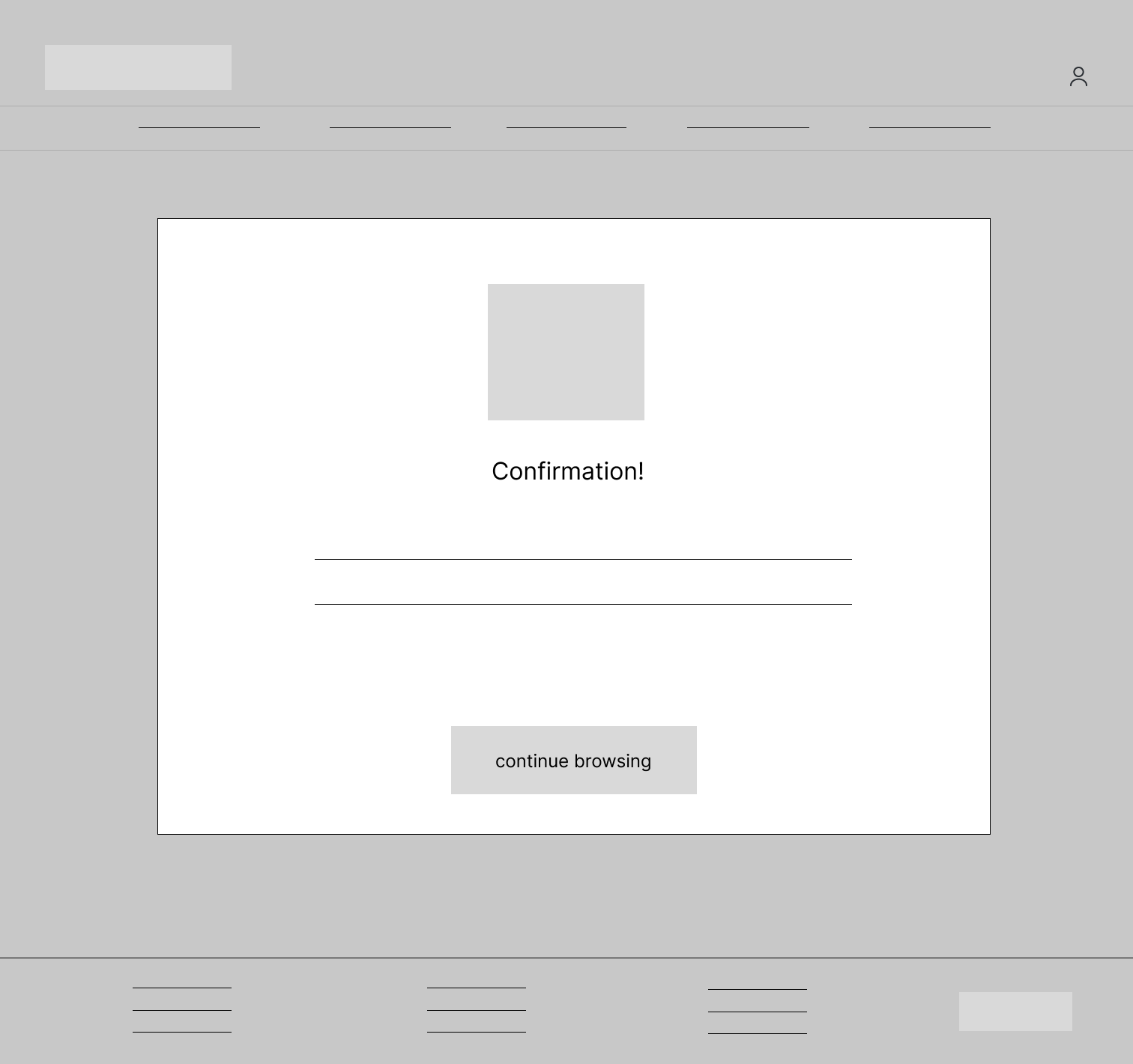
gallery page desktop digital wireframeapplication page desktop digital wireframeconfirmation page desktop digital wireframe
With the digital wireframes, I created low-fidelity prototypes for mobile and desktop.  
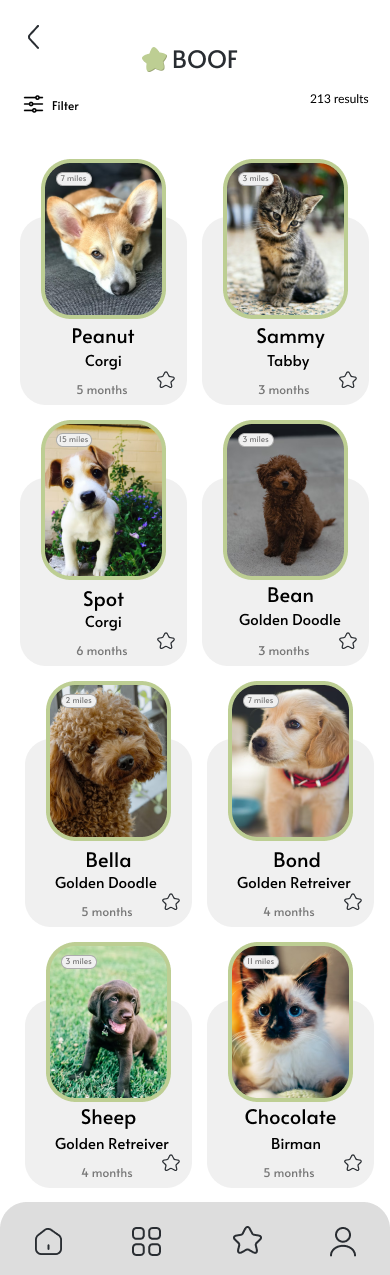
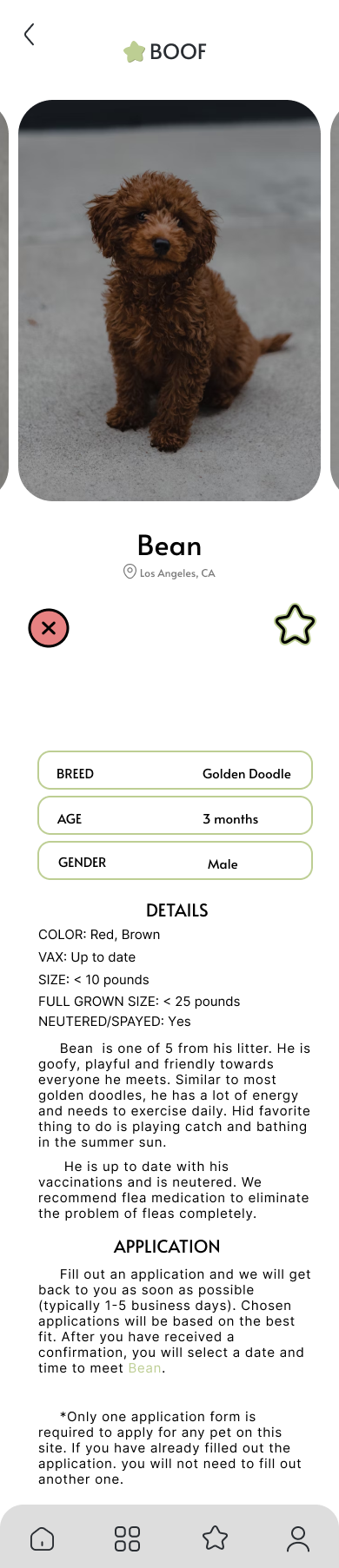
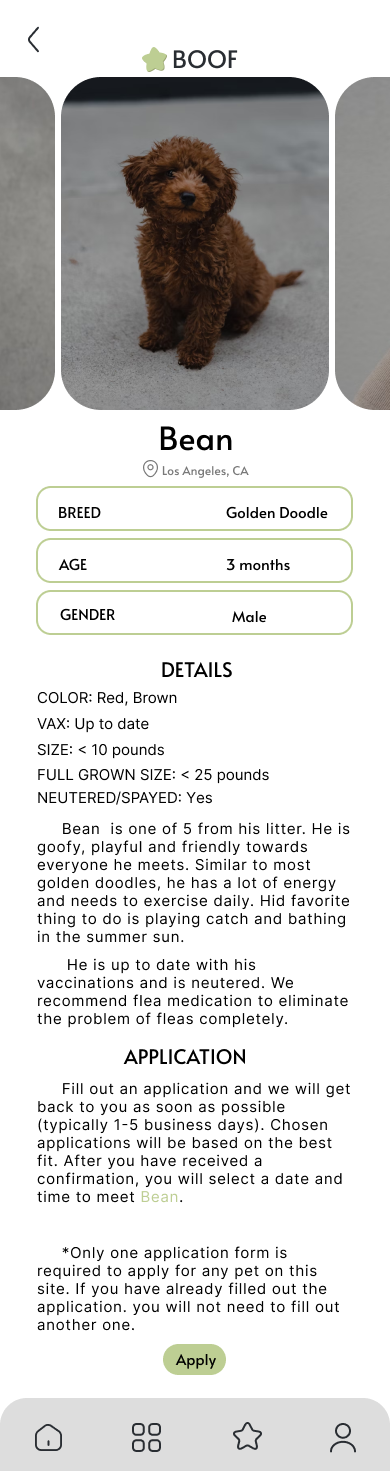
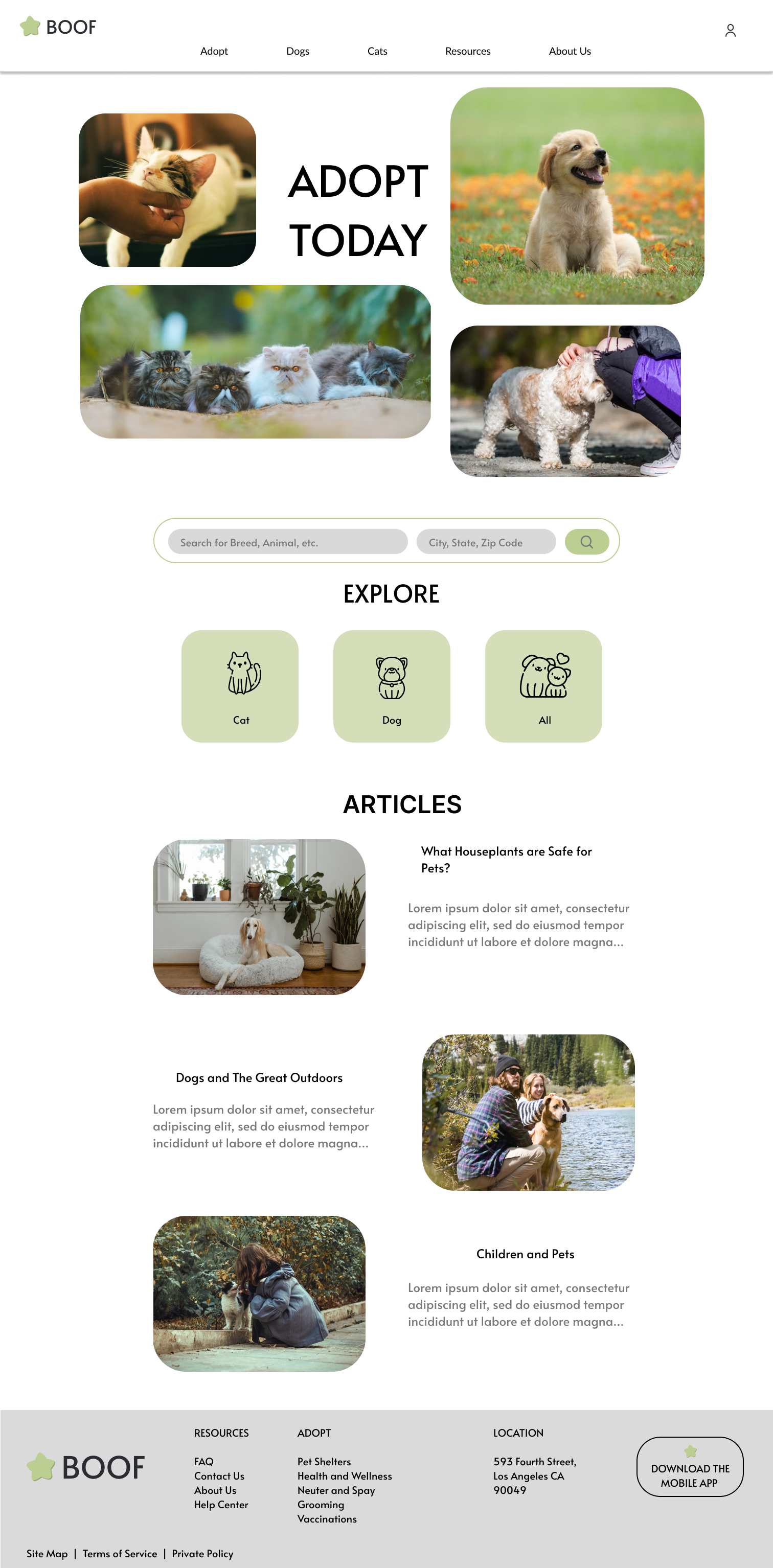
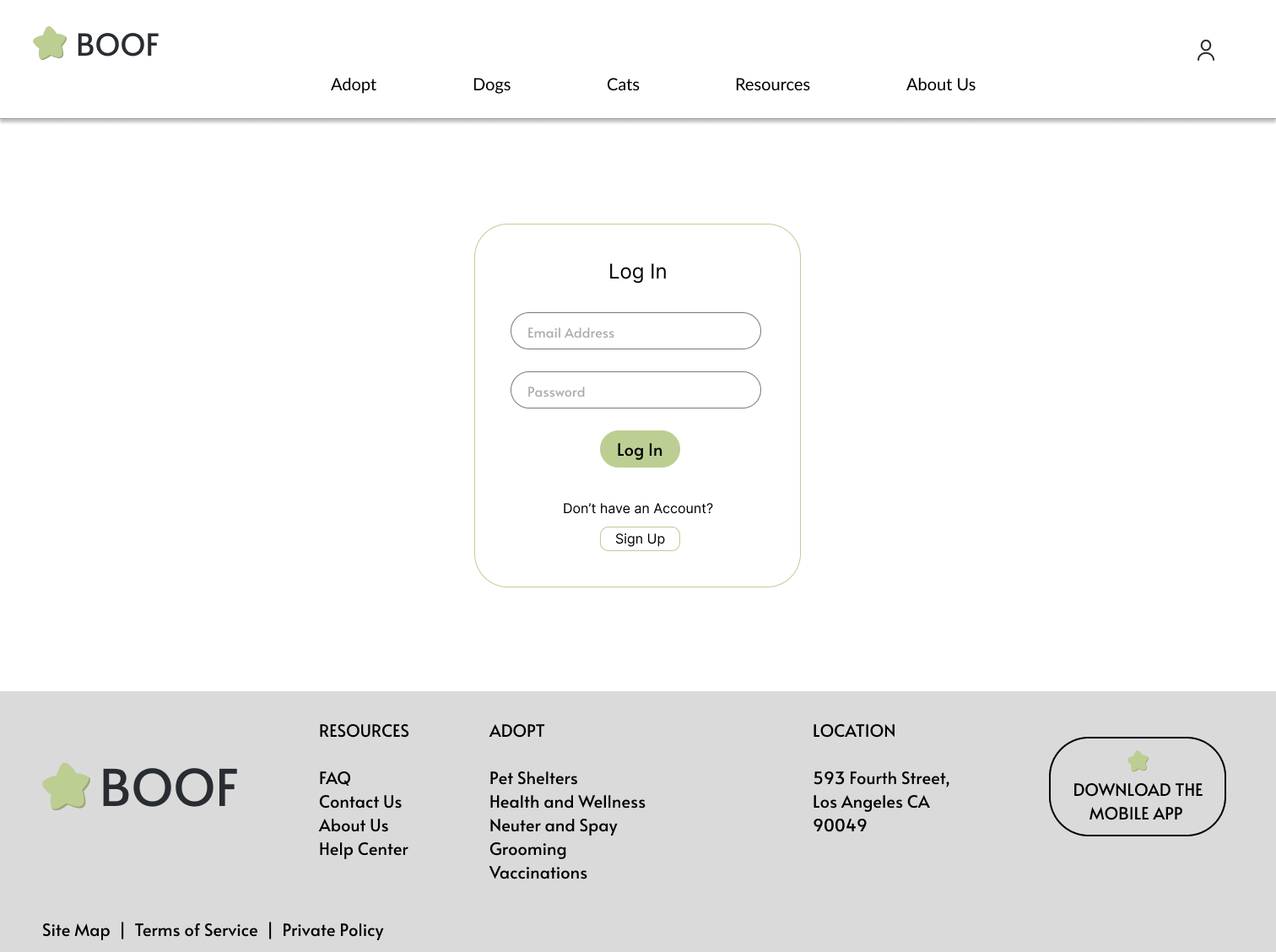
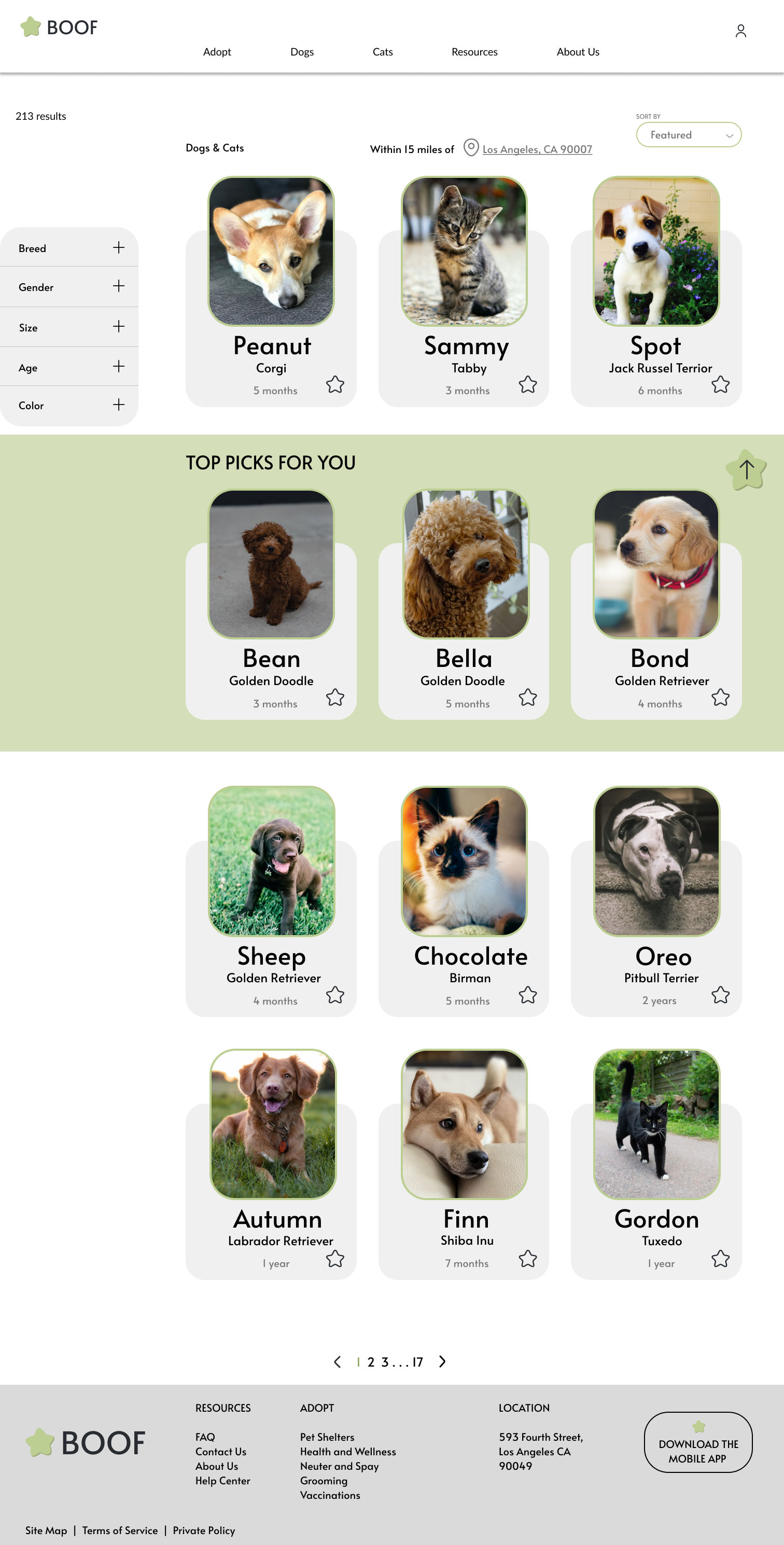
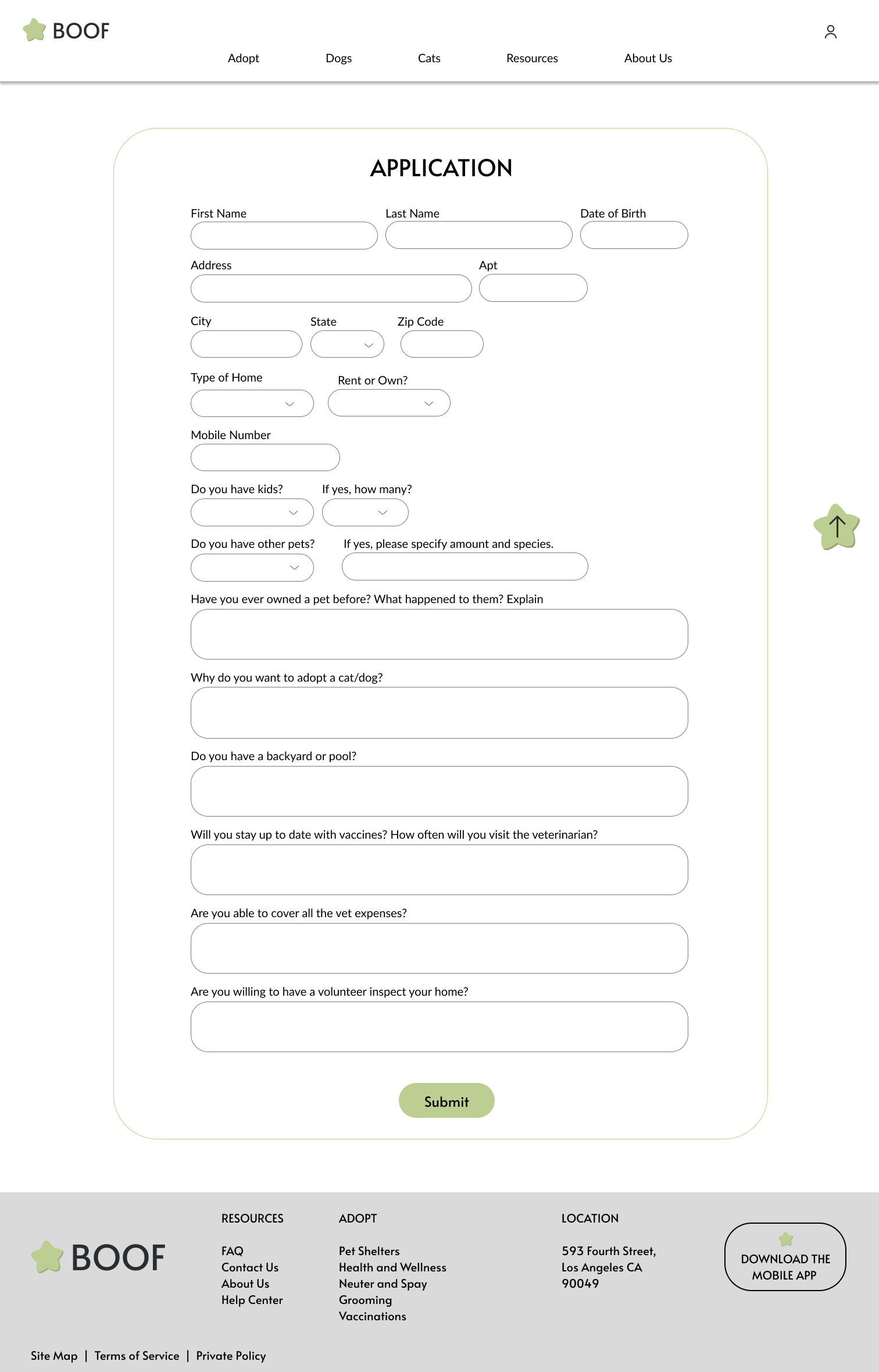
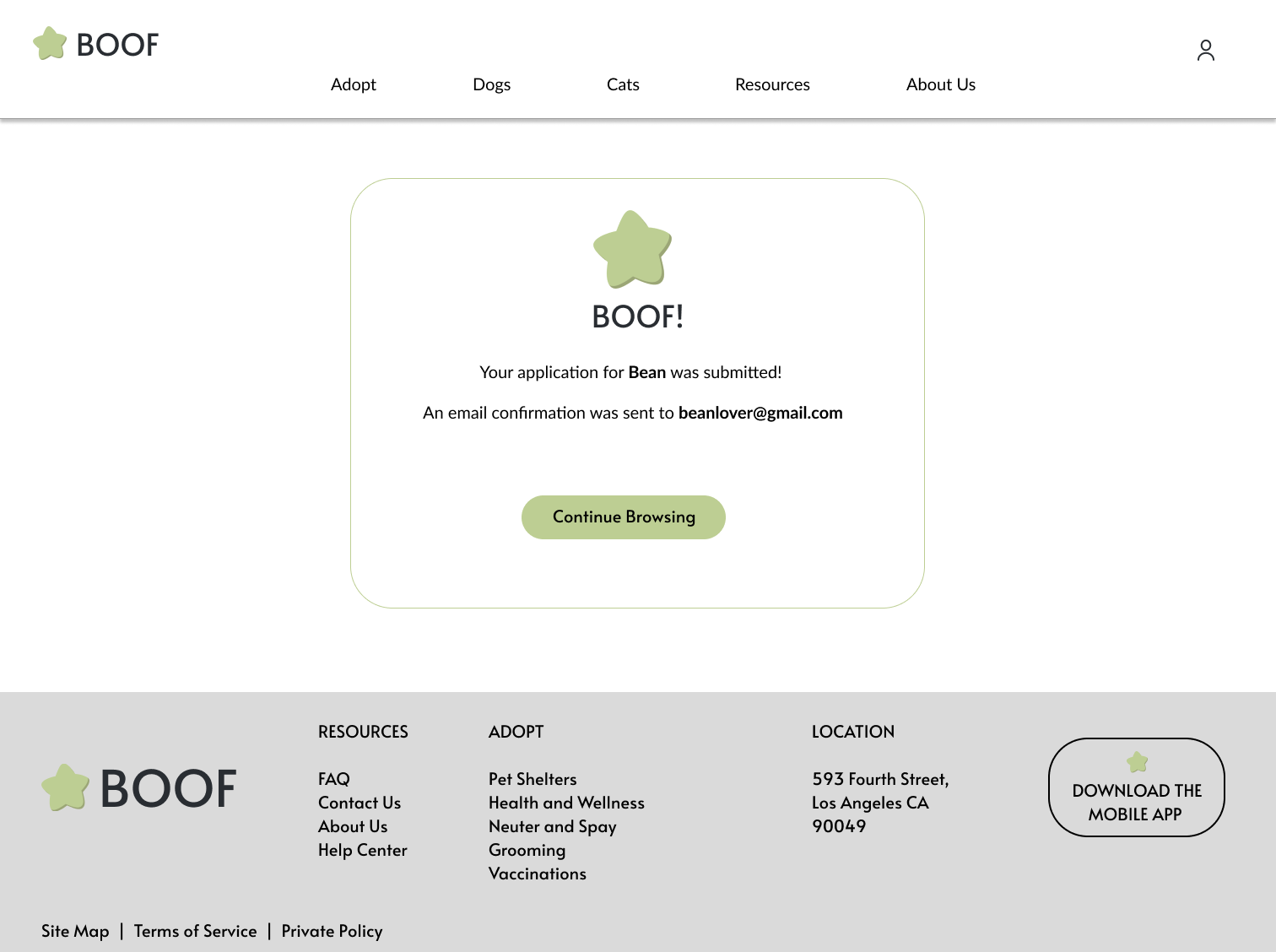
The next step was the mockups, I decided on bright and vibrant colors to set a welcoming tone throughout the design.

Mobile

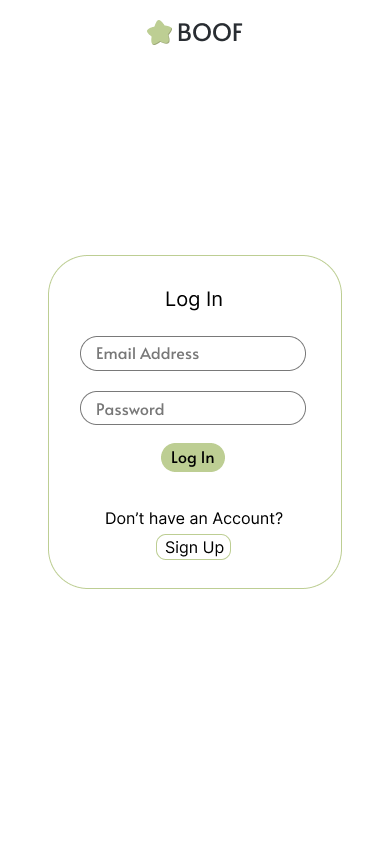
main page mobile mockuplog in mobile mockup
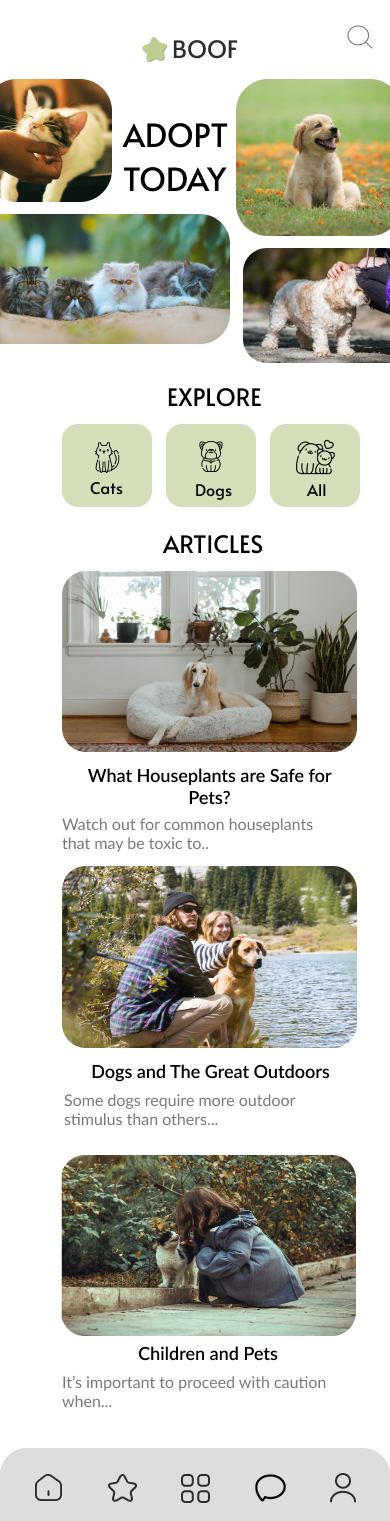
homepage mobile mockup
gallery mobile mockuppet swipe page mobile mockup
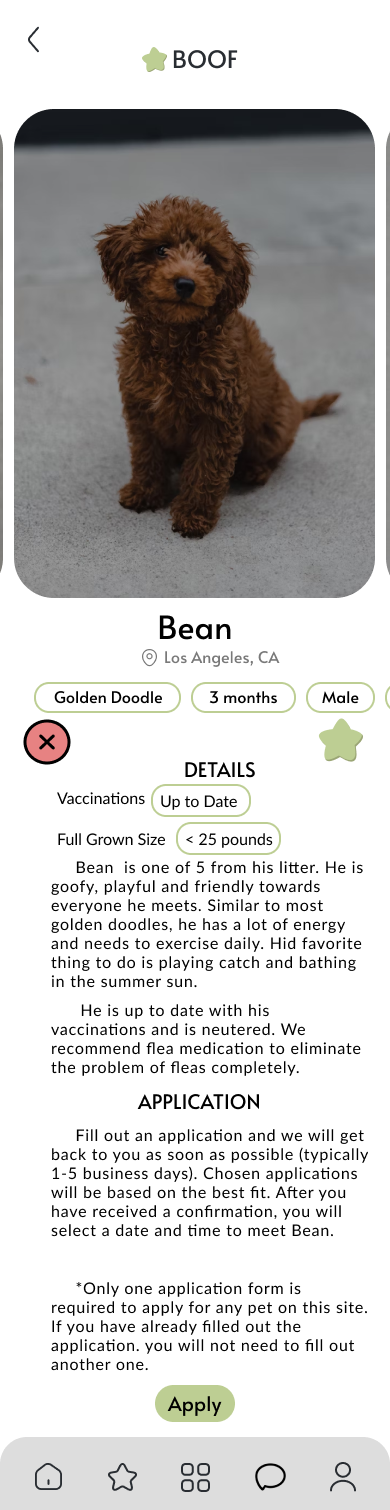
pet page mobile mockup

Desktop

homepage desktop mockuppet page desktop mockuplog in page desktop mockup
gallery page desktop mockupapplication page desktop mockupconfirmation page desktop mockup
Study Type
Unmoderated usability study
Location
USA, remote
Participants
7 participants
Length
15-30 minutes

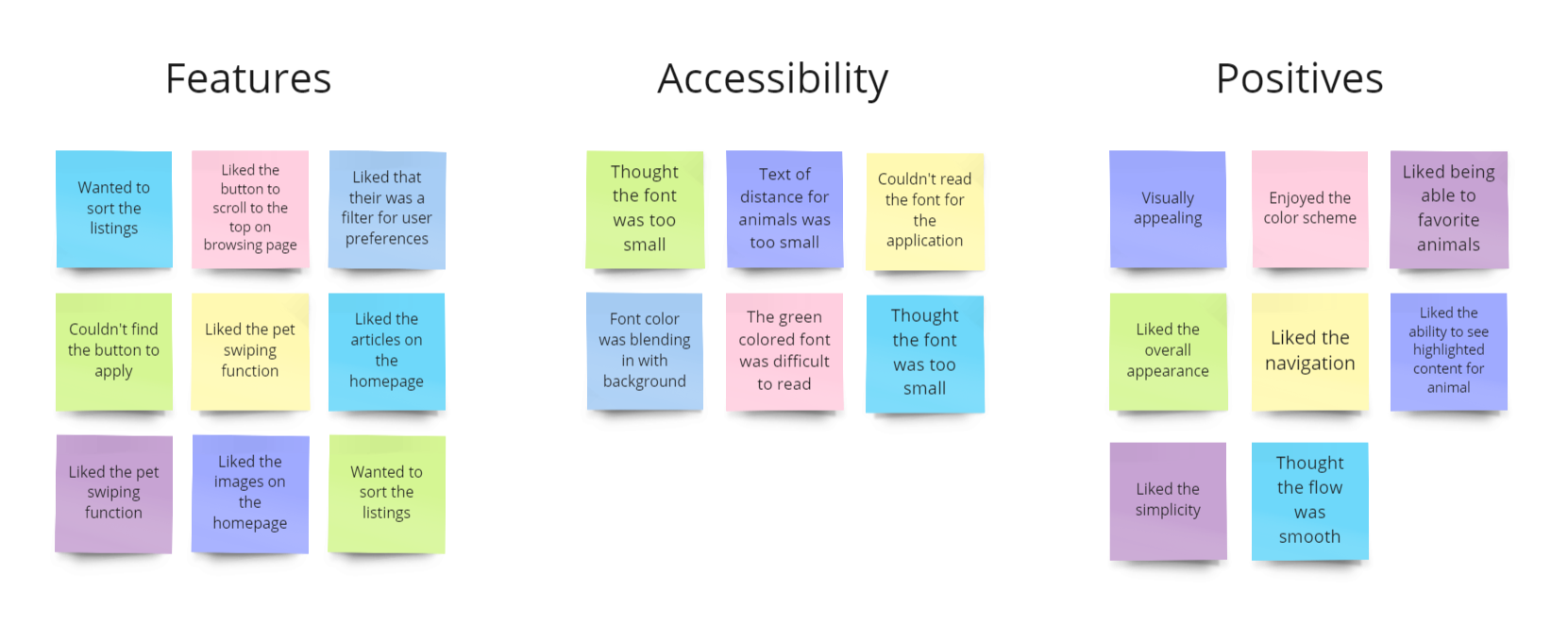
Key Findings

These were the main priorities that users pointed out:

1. Font

Especially on mobile, the font did not meet accessibility standards in terms of color or size for some of the descriptions.

2. Filter Features

Users wanted another filter function for more efficient browsing

3. Color and Opacity

Images were too transparent and distracted users during the browsing process
After the usability study, I decided to change the following items:

1. Replacing emphasized text from green to black with weight increase

2. A feature that allows users to sort listings (new to old)

3. Increasing the font to have a minimum of 16px

4. Ensure that all text has contrast with the background

Mobile

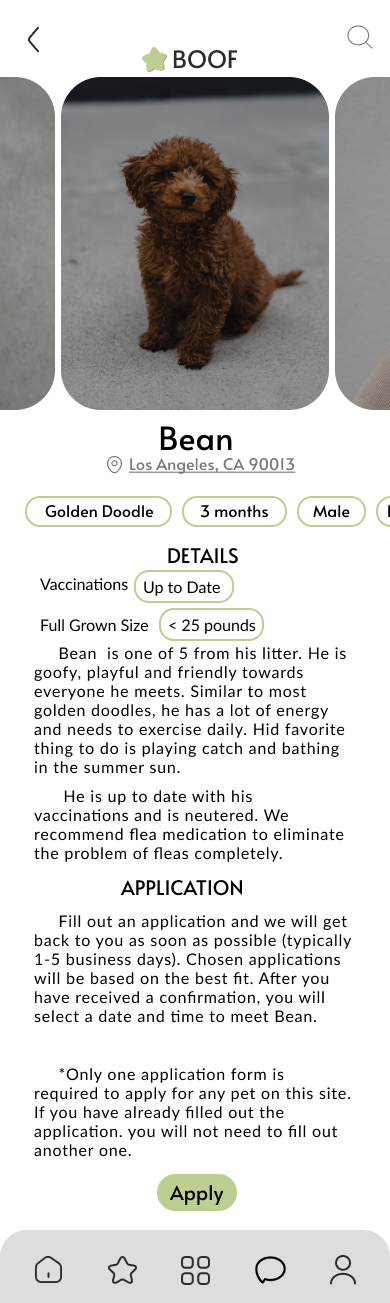
main page mobile final designlog in page mobile final design
homepage mobile final designpet page mobile final design
gallery page mobile final designapplication page mobile final design
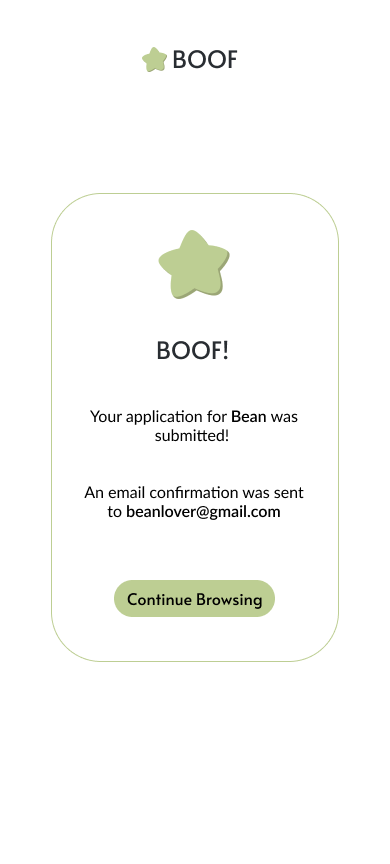
pet page mobile final designconfirmation page mobile final design

Desktop

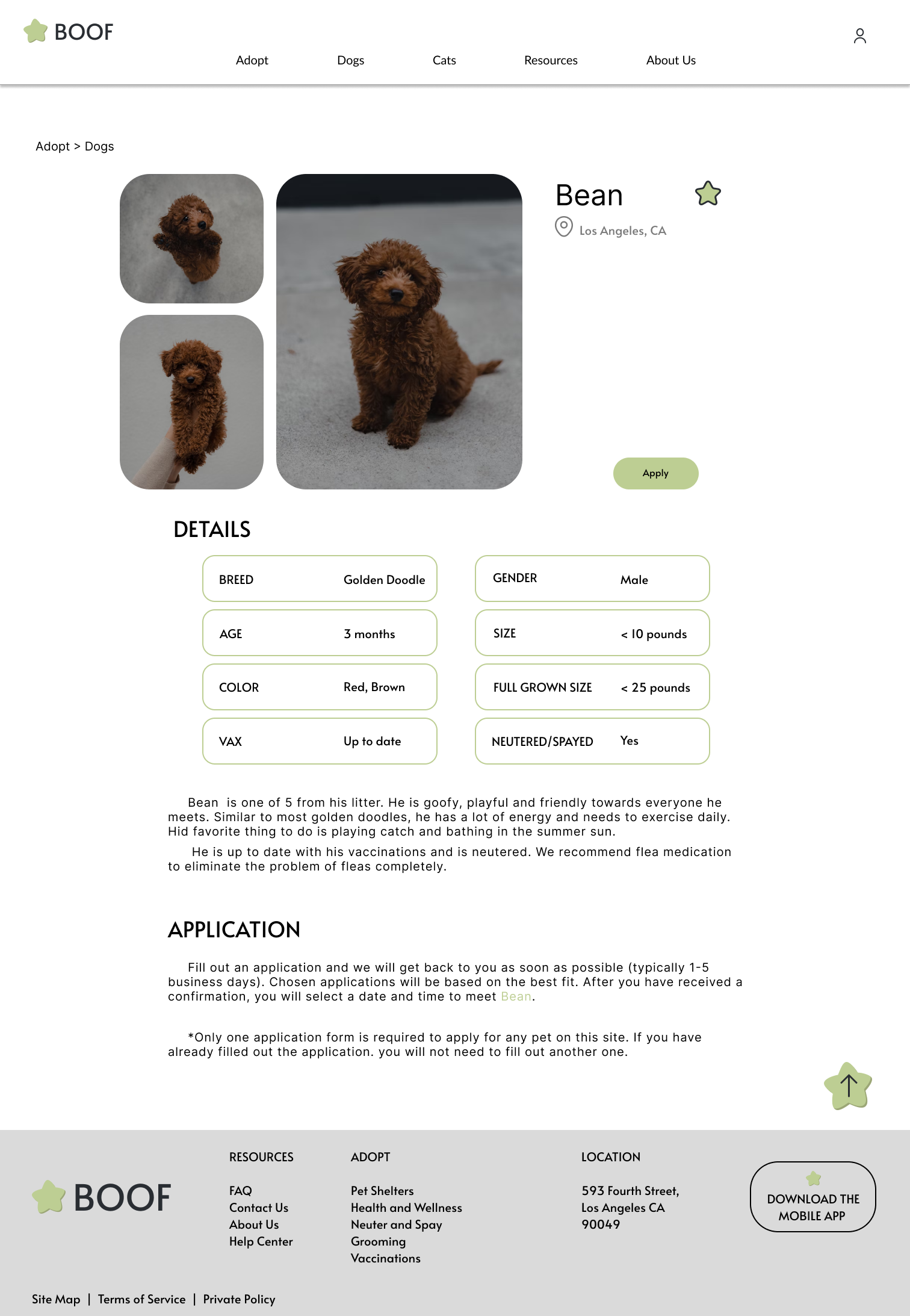
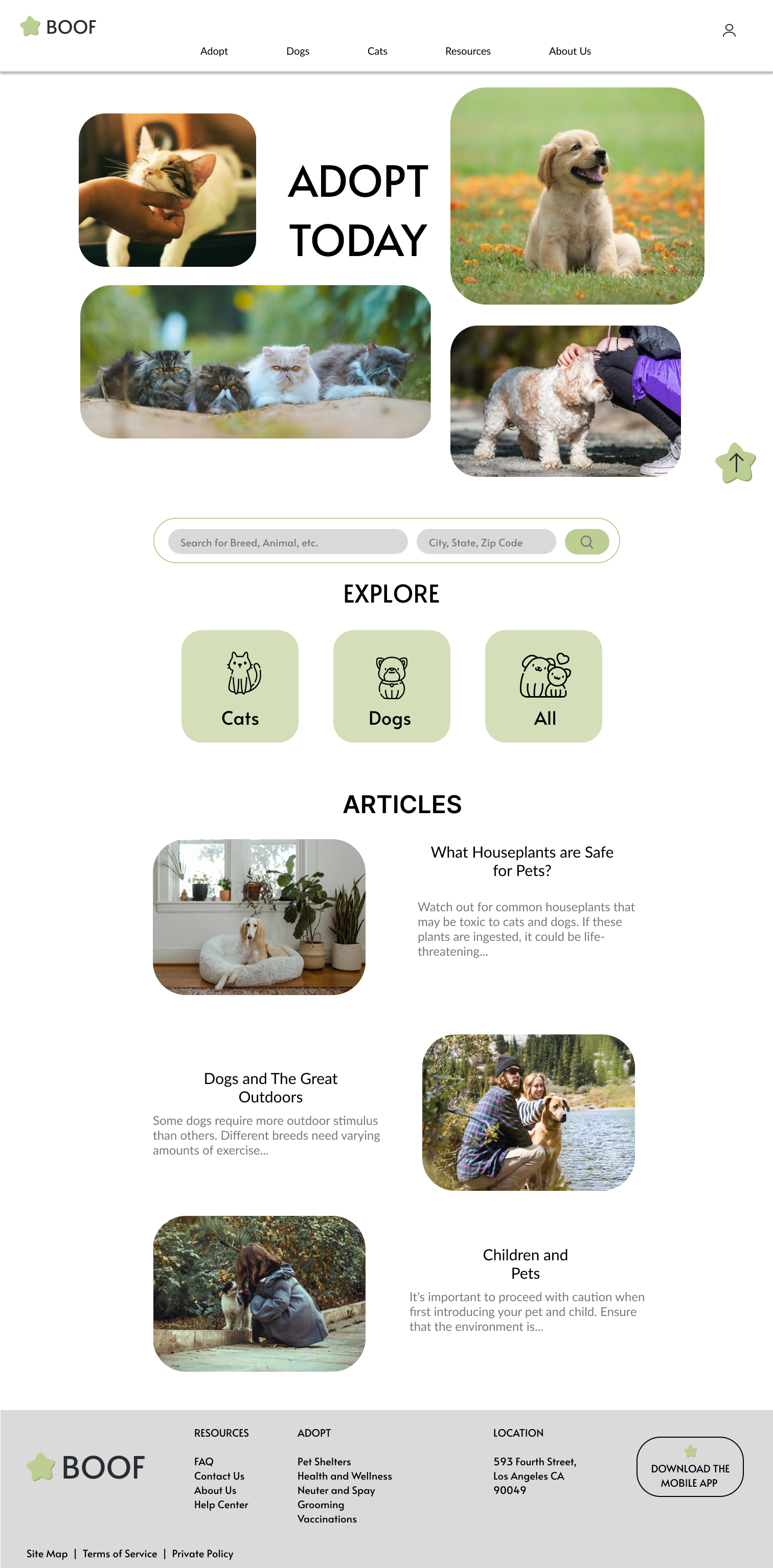
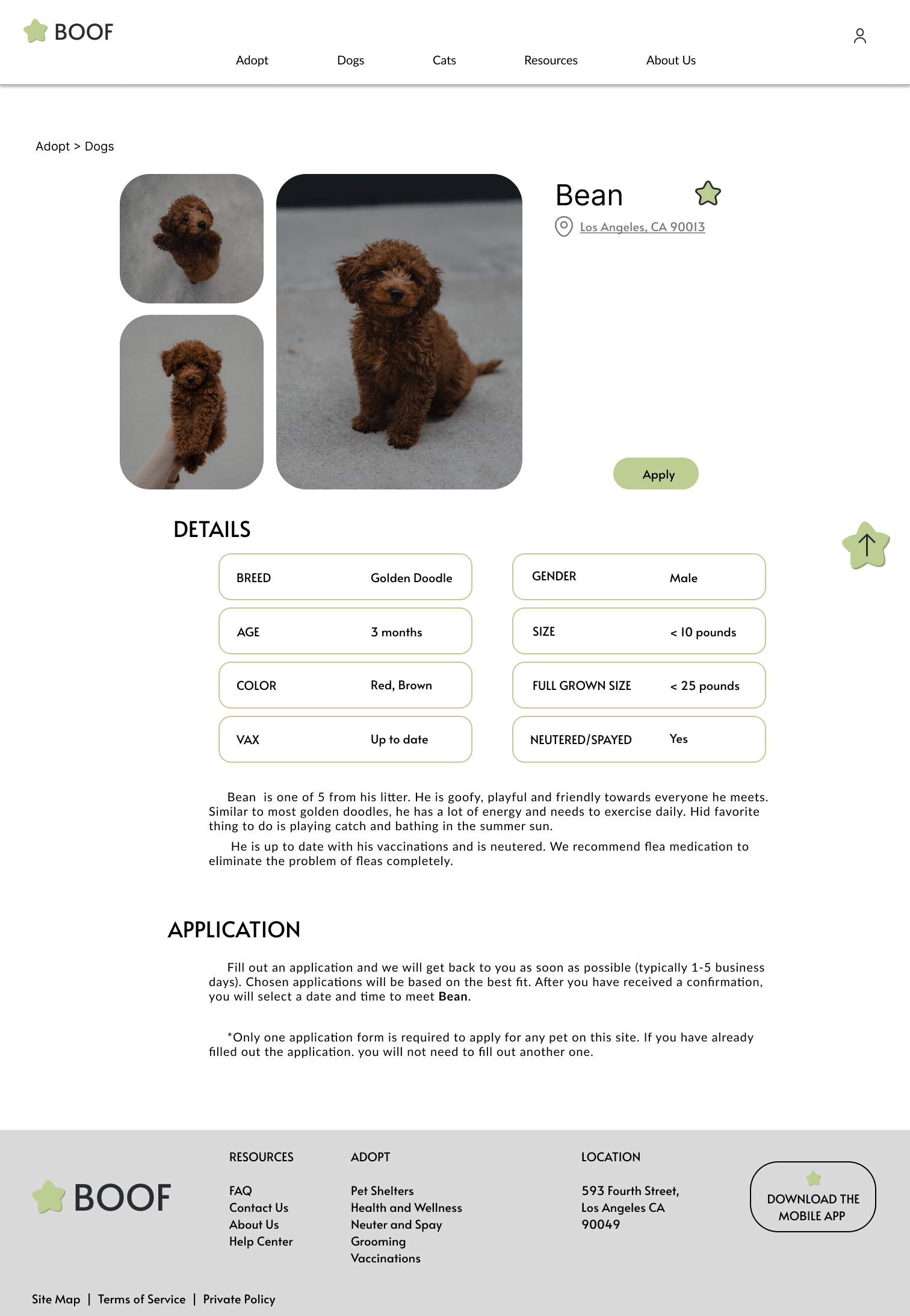
homepage desktop final designpet page desktop final designlog in page desktop final design
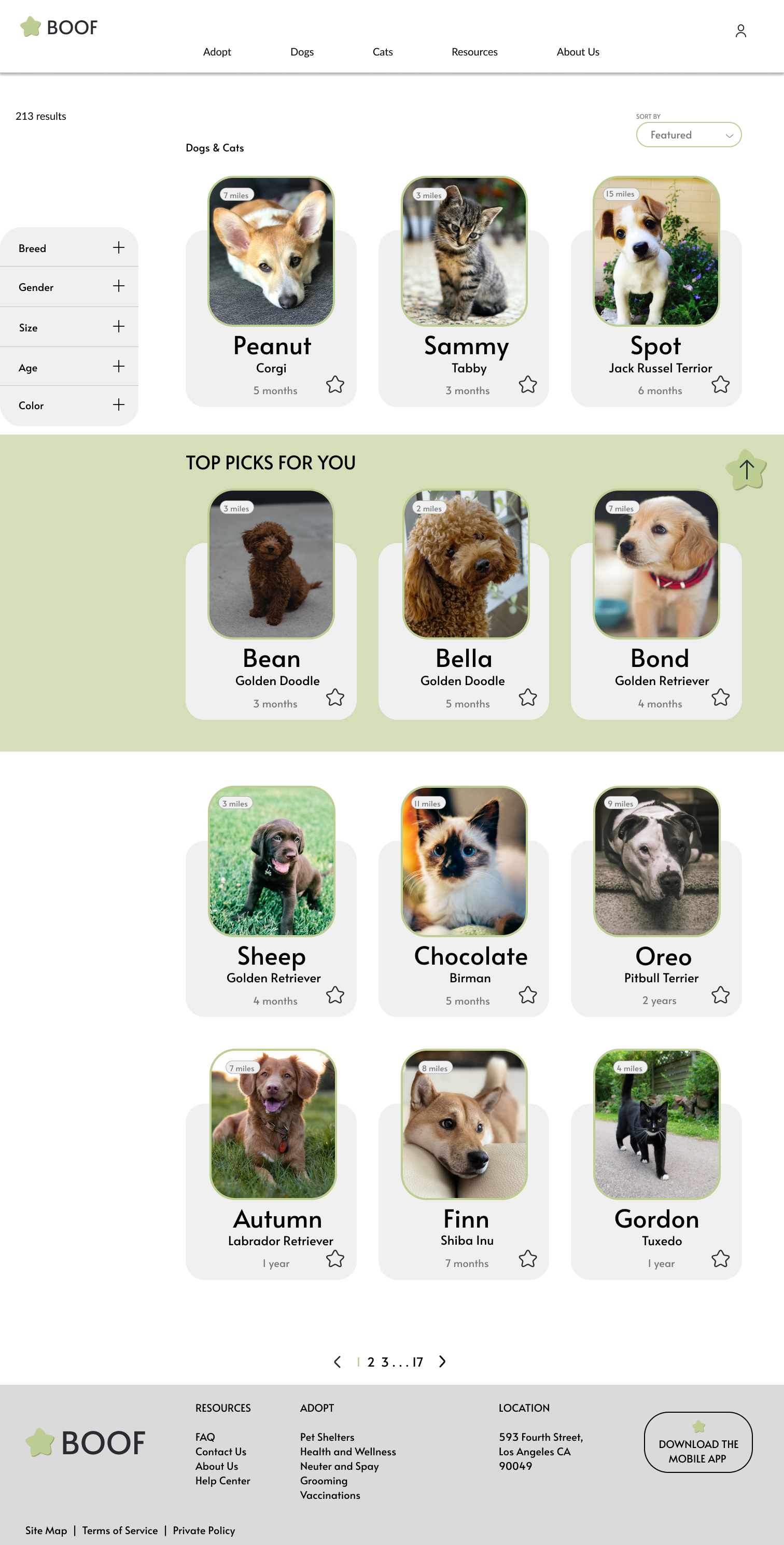
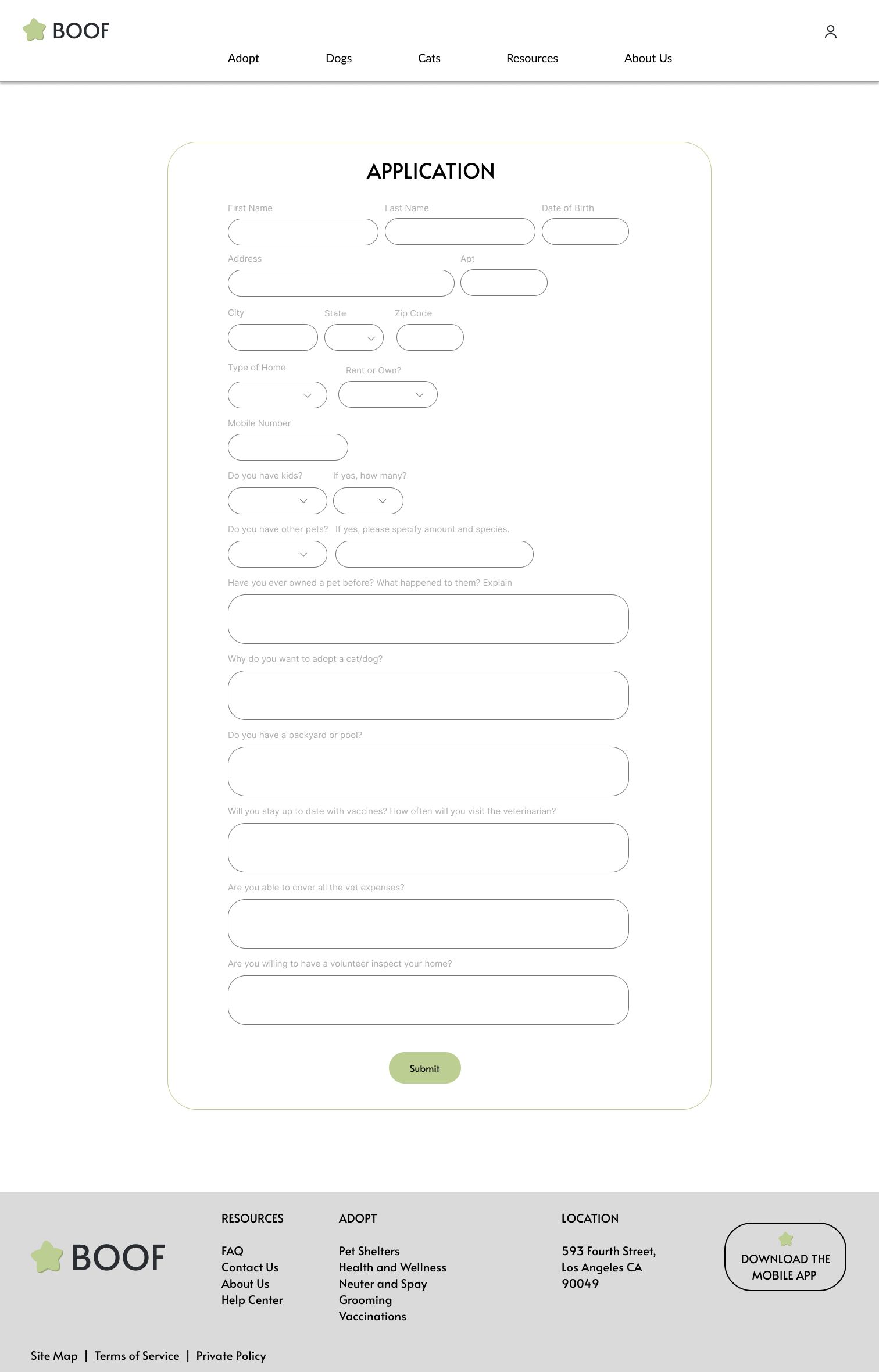
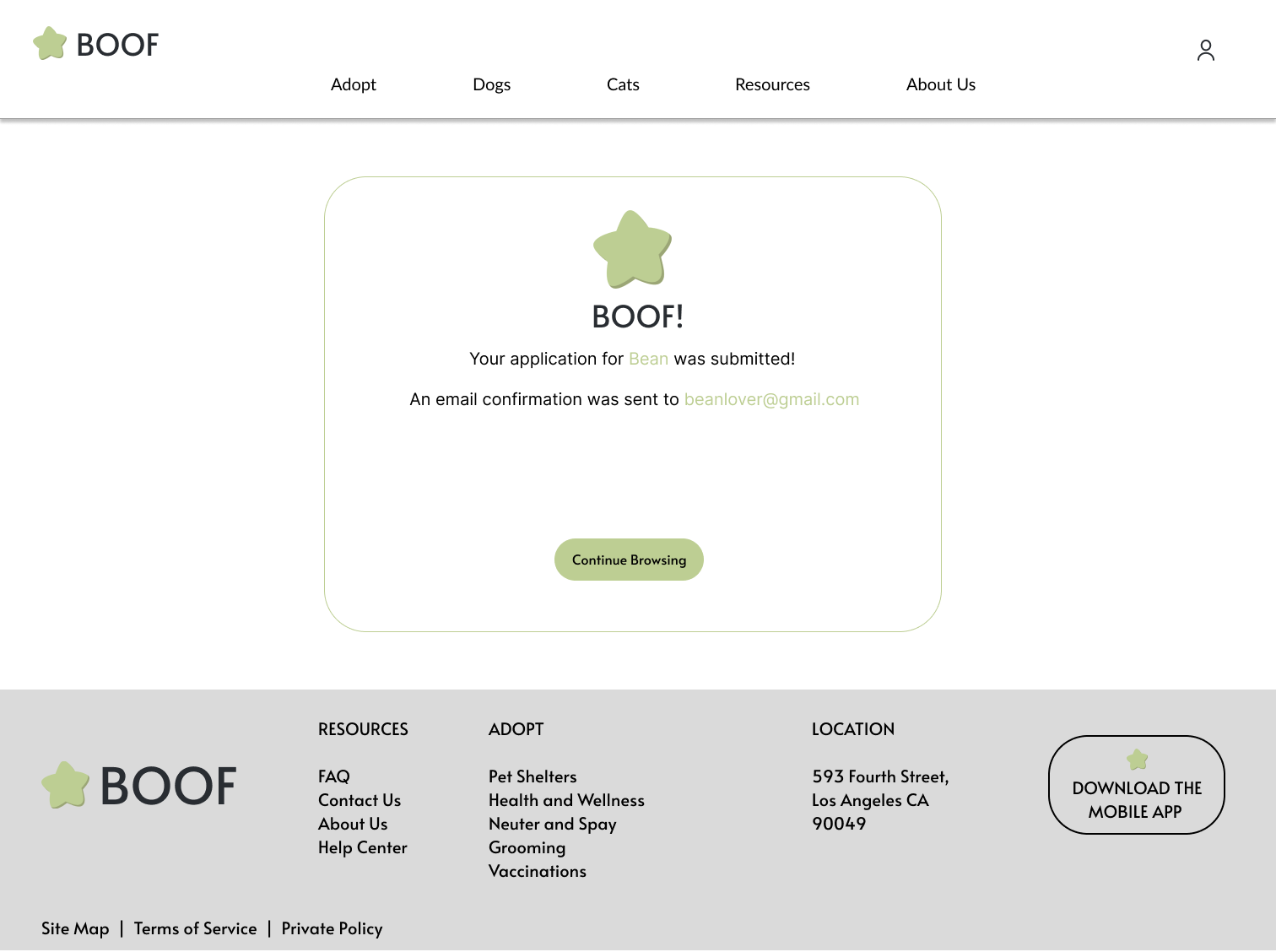
gallery desktop final designapplication page desktop final designconfirmation page desktop final design

Mobile

View Mobile Prototype

or view above!

Desktop

What I learned:

Initially, I made decisions based on what would be the most visually appealing. After the usability designs, I quickly realized that the location and font of some descriptions did not meet accessibility standards. In the future, I will be sure to make decisions with accessibility in mind to guarantee that the design is suited for all users.

Next Steps

1. Conduct a usability study to ensure accessibility is accounted for

2. Add a messaging and updates tab where users can check on existing applications and message shelters directly

3. Add a page for animals who have been listed for an extended period of time to promote adoption for older animals.
carrot icon